当前位置:网站首页>uniapp 高德地图定位功能
uniapp 高德地图定位功能
2022-07-17 18:54:00 【玖伍玖伍】
效果图

<template>
	<view>
		<view id="container"></view>
		<view class="control">
			<view class="enlarge" @tap="map.zoomIn()">
				<image src="../../static/common/add.png"></image>
			</view>
			<view class="split"></view>
			<view class="narrow" @tap="map.zoomOut()">
				<image src="../../static/common/reduce.png"></image>
			</view>
			<view class="location" @tap="getCenter()">
				<image src="../../static/common/position.png"></image>
			</view>
		</view>
		<!-- 顶部展示 -->
		<view class="controlLeftView">
			<view class="controlLeft">总里程:12079.6km</view>
			<view class="controlLeft">时速:8.3km/h</view>
			<view class="controlLeft">方向:正北</view>
		</view>
		<!-- 底部展示 -->
		<view class="controlLeftBottomView">
			<view class="flex">
				<view v-if="state == 1" class="title" style="
            box-shadow: 0px 2rpx 4rpx 0px rgba(225, 225, 225, 1);
            border: 2rpx solid #1271ff;
            color: #1271ff;
          ">行驶</view>
				<view v-if="state != 1" class="title">停驶</view>
				<view class="time">05-23 12:00:00</view>
				<view class="mi">距我50km</view>
			</view>
			<view class="flex">
				<image src="../../static/dist/iconLocation.png" mode=""></image>
				<view class="city"> 北京市海淀区西三环北路86号院东北方向200米 </view>
			</view>
		</view>
		<!-- <image src='../../static/car.png'></image> -->
	</view>
</template>

<script>
	import {

		getLocation
	} from "../../utils/http";
	const $time = require("../../utils/time");
	export default {

		data() {

			return {

				car: '../../static/car.png',
				map: null,
				marker: null,
				lineArr: [],
				totalMileage: "", //总里程
				direction: "", //方向
				address: "", //地区
				locationTime: "", //时间
				Kilometers: "", //距离卡米数
				speed: "", //时速
				plateNo: "", //车牌
				state: 1, //行驶状态
				str: {

					// "vin": "LZGCR2T65HX058177",
					// "plateNo": "赣CQ6066",
					vin: "LSSS6PEB6KT008136",
					plateNo: "陕YH0009",
					brand: "陕汽牌",
				},
				lat: null,
				lng: null,
			};
		},
		onLoad() {

			uni.setNavigationBarTitle({

				title: "车辆定位",
			});
			// #ifdef H5
			this.loadScrpit();
			// #endif
			setTimeout(() => {

				this.initMap();
			}, 1000);
		},
		mounted() {

			// this.getLocations();
		},
		beforeDestroy() {

			this.map && this.map.destroy();
		},
		methods: {

			loadScrpit() {

				var script = document.createElement("script");
				script.src =
					"https://webapi.amap.com/maps?v=1.4.15&key=a37513933f694eee481fb36d346cfe98";
				document.body.appendChild(script);
			},
			async getLocations() {

				const res = await getLocation(this.str);
				console.log(res);
				this.lat = res.content.latitude;
				this.lng = res.content.longitude;
				this.totalMileage = res.content.totalMileage;
				this.direction = res.content.direction;
				this.address = res.content.address;
				this.locationTime = $time.formatTime(res.content.locationTime);
				this.speed = res.content.speed;
				this.plateNo = res.content.plateNo;
				this.state = res.content.state;

			},
			initMap() {

				var that = this;
				this.map = new AMap.Map("container", {

					resizeEnable: true,
					center: [116.478935, 39.997761],
					zoom: 17,
				});
				this.marker = new AMap.Marker({

					icon: new AMap.Icon({

						image: 'https://vehicle-library.oss-cn-beijing.aliyuncs.com/cvbd-icon/track/icon_20220712.png',
						size: new AMap.Size(28, 80),
						imageSize: new AMap.Size(28, 80)
					}),
					map: this.map,
					position: [116.478935, 39.997761],
					// icon: "https://webapi.amap.com/images/car.png",
					// icon:'https://vehicle-library.oss-cn-beijing.aliyuncs.com/cvbd-icon/track/icon_20220712.png',
					offset: new AMap.Pixel(-26, -15),
					autoRotation: true,
					angle: 0,
				});

				// 创建纯文本标记
				var text = new AMap.Text({

					text: `<view style=" width: 140px; height: 54px; background: #ffffff; box-shadow: 0px 2px 4px 0px #e1e1e1; box-sizing: border-box; padding: 4px; display: flex; align-items: center; justify-content: space-between; position: relative; border-radius: 40px; " > <view style=" width: 48px; height: 48px; border: 2px solid #d3e7ff; box-sizing: border-box; display: flex; flex-direction: column; justify-content: space-around; align-items: center; border-radius: 50%; " > <view style=" font-size: 14px; font-family: PingFang-SC-Bold, PingFang-SC; font-weight: bold; color: #1271ff; " >8.3</view > <view style=" font-size: 10px; font-family: PingFangSC-Regular, PingFang SC; font-weight: 400; color: #1271ff; margin-top: -11px; " >km/h</view > </view> <view style=" font-size: 14px; font-family: PingFangSC-Regular, PingFang SC; font-weight: 400; color: #333333; flex: 1; margin-left: 6px; " >赣C765T7</view > </view>`,
					position: [116.478935, 39.997761],
					offset: new AMap.Pixel(0, -60), //相对于基点的偏移位置
				});

				text.setMap(that.map);
				// let infoContent = `<p class="info-window">时间`;
				// let infoWindow = new AMap.InfoWindow({

				// anchor: "bottom-center",
				// content: infoContent
				// });
				// infoWindow.open(this.map);

				// 个人定位
				let mapObj = new AMap.Map("iCenter");
				mapObj.plugin("AMap.Geolocation", function() {

					let geolocation = new AMap.Geolocation({

						enableHighAccuracy: true, //是否使用高精度定位,默认:true
						timeout: 2000, //超过10秒后停止定位,默认:无穷大
						maximumAge: 0, //定位结果缓存0毫秒,默认:0
						convert: true, //自动偏移坐标,偏移后的坐标为高德坐标,默认:
						showButton: true, //显示定位按钮,默认:true
						buttonPosition: "LB", //定位按钮停靠位置,默认:'LB',左下角
						buttonOffset: new AMap.Pixel(10, 20), //定位按钮与设置的停靠位置的偏移量,默认:Pixel(10, 20)
						showMarker: true, //定位成功后在定位到的位置显示点标记,默认:true
						showCircle: true, //定位成功后用圆圈表示定位精度范围,默认:true
						panToLocation: true, //定位成功后将定位到的位置作为地图中心点,默认:true
						zoomToAccuracy: true, //定位成功后调整地图视野范围使定位位置及精度范围视野内可见,默认:false
					});
					mapObj.addControl(geolocation);
					geolocation.getCurrentPosition();
					AMap.event.addListener(geolocation, "complete", onComplete); //返回定位信息
					AMap.event.addListener(geolocation, "error", onError); //返回定位出错信息
					function onComplete(data) {

						var p1 = [that.lng, that.lat];
						var p2 = [data.position.lng, data.position.lat];
						var dis = AMap.GeometryUtil.distance(p1, p2);
						that.Kilometers = parseInt(dis / 1000);
					}

					function onError(data) {

						console.log(data);
						that.Kilometers = "";
					}
				});

				// var p1 = [116.434027, 39.941037];
				// var p2 = [116.461665, 39.941564]; // 返回 p1 到 p2 间的地面距离,单位:米
				// var dis = AMap.GeometryUtil.distance(p1, p2);
				// console.log(parseInt(dis) + '米')
				this.map.setFitView();
			},
			// getCenter前往中心点
			getCenter() {

				this.map.setCenter([116.478935, 39.997761])
			},
		},
	};
</script>

<style scoped>
	#container {

		height: 100vh;
		width: 100%;
	}

	.control {

		position: fixed;
		top: 642rpx;
		right: 20rpx;
		z-index: 9999;
		width: 72rpx;
		height: 188rpx;
		background: #ffffff;
		box-shadow: 0px 2rpx 4rpx 0px #e1e1e1;
		border-radius: 6rpx;
		/* opacity: 0.8; */
		box-sizing: border-box;
		padding: 14rpx 14rpx 20rpx 14rpx;
	}

	.split {

		width: 44rpx;
		height: 2rpx;
		border-top: 2rpx solid #d6d6d6;
		margin: 30rpx 0;
	}

	.enlarge,
	.narrow {

		text-align: center;
	}

	.enlarge>image {

		width: 34rpx;
		height: 34rpx;
	}

	.narrow>image {

		width: 34rpx;
		height: 6rpx;
	}

	.location {

		width: 88rpx;
		height: 88rpx;
		position: fixed;
		right: 16rpx;
		bottom: 292rpx;
	}

	.location>image {

		width: 88rpx;
		height: 88rpx;
	}

	/* 顶部展示 */
	.controlLeftView {

		position: absolute;
		top: 100rpx;
		left: 20rpx;
		width: 300rpx;
	}

	.controlLeft {

		width: 100%;
		height: 64rpx;
		background: #ffffff;
		box-shadow: 0px 4rpx 8rpx 0px #e1e1e1;
		border-radius: 37rpx;
		margin-top: 20rpx;
		font-size: 28rpx;
		font-family: PingFangSC-Regular, PingFang SC;
		font-weight: 400;
		color: #333333;
		line-height: 64rpx;
		box-sizing: border-box;
		padding: 0 20rpx;
	}

	/* 底部展示 */
	.controlLeftBottomView {

		width: 96%;
		position: absolute;
		left: 2%;
		bottom: 40rpx;
		height: 180rpx;
		background: #ffffff;
		box-shadow: 0px 4rpx 8rpx 0px #e1e1e1;
		border-radius: 12rpx;
		box-sizing: border-box;
		padding: 34rpx 24rpx;
		display: flex;
		flex-direction: column;
		justify-content: space-around;
	}

	.controlLeftBottomView>.flex {

		display: flex;
		width: 100%;
		justify-content: space-between;
		align-items: center;
	}

	.controlLeftBottomView>.flex>.title {

		width: 74rpx;
		height: 36rpx;
		box-shadow: 0px 4rpx 8rpx 0px #e1e1e1;
		border-radius: 18rpx;
		border: 2rpx solid #cccccc;
		font-size: 22rpx;
		font-family: PingFangSC-Regular, PingFang SC;
		font-weight: 400;
		color: #a8a8a8;
		text-align: center;
		line-height: 36rpx;
	}

	.controlLeftBottomView>.flex>.time {

		font-size: 24rpx;
		font-family: PingFangSC-Regular, PingFang SC;
		font-weight: 400;
		color: #666666;
		text-shadow: 0px 4rpx 8rpx #e1e1e1;
		flex: 1;
		box-sizing: border-box;
		padding-left: 16rpx;
	}

	.controlLeftBottomView>.flex>.mi {

		font-size: 24rpx;
		font-family: PingFangSC-Regular, PingFang SC;
		font-weight: 400;
		color: #666666;
		text-shadow: 0px 4rpx 8rpx #e1e1e1;
	}

	.controlLeftBottomView>.flex>image {

		width: 32rpx;
		height: 32rpx;
		/* background: #000000; */
		/* box-shadow: 0px 4rpx 8rpx 0px #e1e1e1; */
	}

	.controlLeftBottomView>.flex>.city {

		flex: 1;
		font-size: 28rpx;
		font-family: PingFangSC-Regular, PingFang SC;
		font-weight: 400;
		color: #333333;
		text-shadow: 0px 4rpx 8rpx #e1e1e1;
		box-sizing: border-box;
		padding-left: 16rpx;
	}

	>>>.amap-overlay-text-container {

		border: none;
		background: none;
		overflow: inherit;
	}
</style>
边栏推荐
- Programming examples of stm32f1 and stm32subeide -mpu-6050 six axis (gyroscope + accelerometer) drive
- STM32F1与STM32CubeIDE编程实例-MPU-6050 六轴(陀螺仪 + 加速度计)驱动
- 名片管理的框架搭建
- 【考研词汇训练营】Day 7 —— second,attract,current,collect,simple,communicate,vocation
- Codeforce:g. good key, bad key [greed]
- 【CANN训练营】昇腾AI基础知识介绍
- STL string输出与修改
- 动手学深度学习(第二版)注释后代码【持续更新】
- [code hoof set novice village question 600] format specifier of float and double
- Template virtual machine environment preparation
猜你喜欢
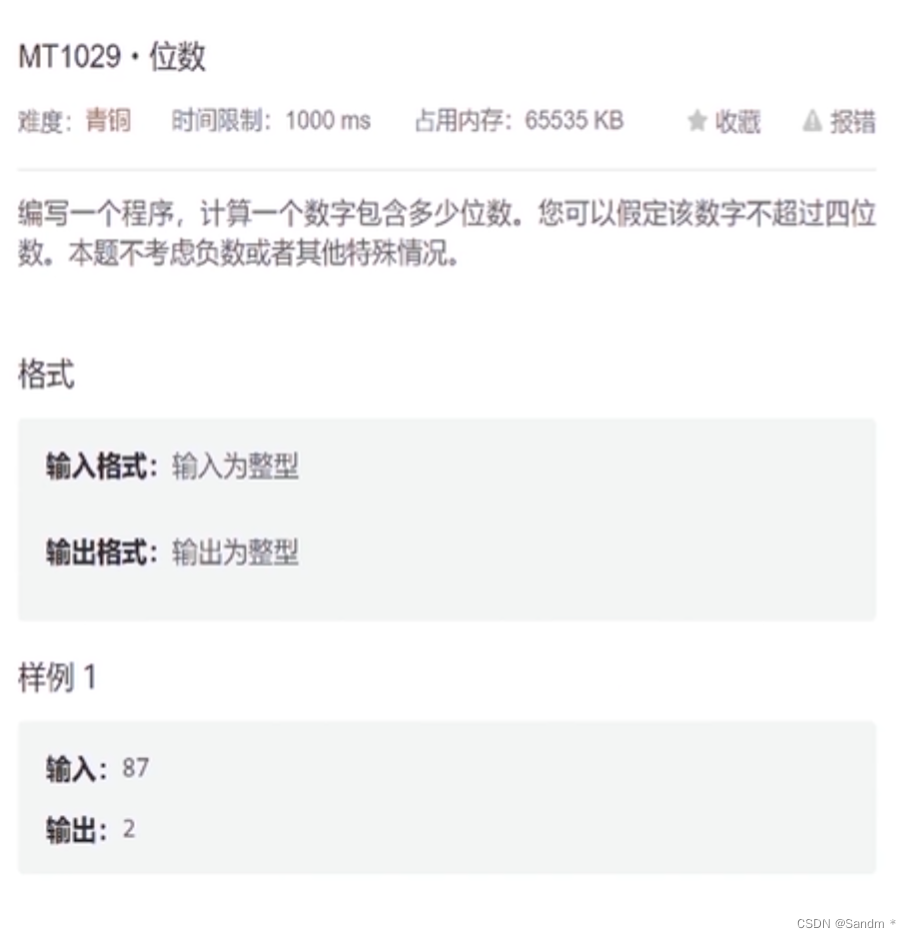
【码蹄集新手村 600 题】计算一个整数有多少位数

面试官:可以接受转Go吗?
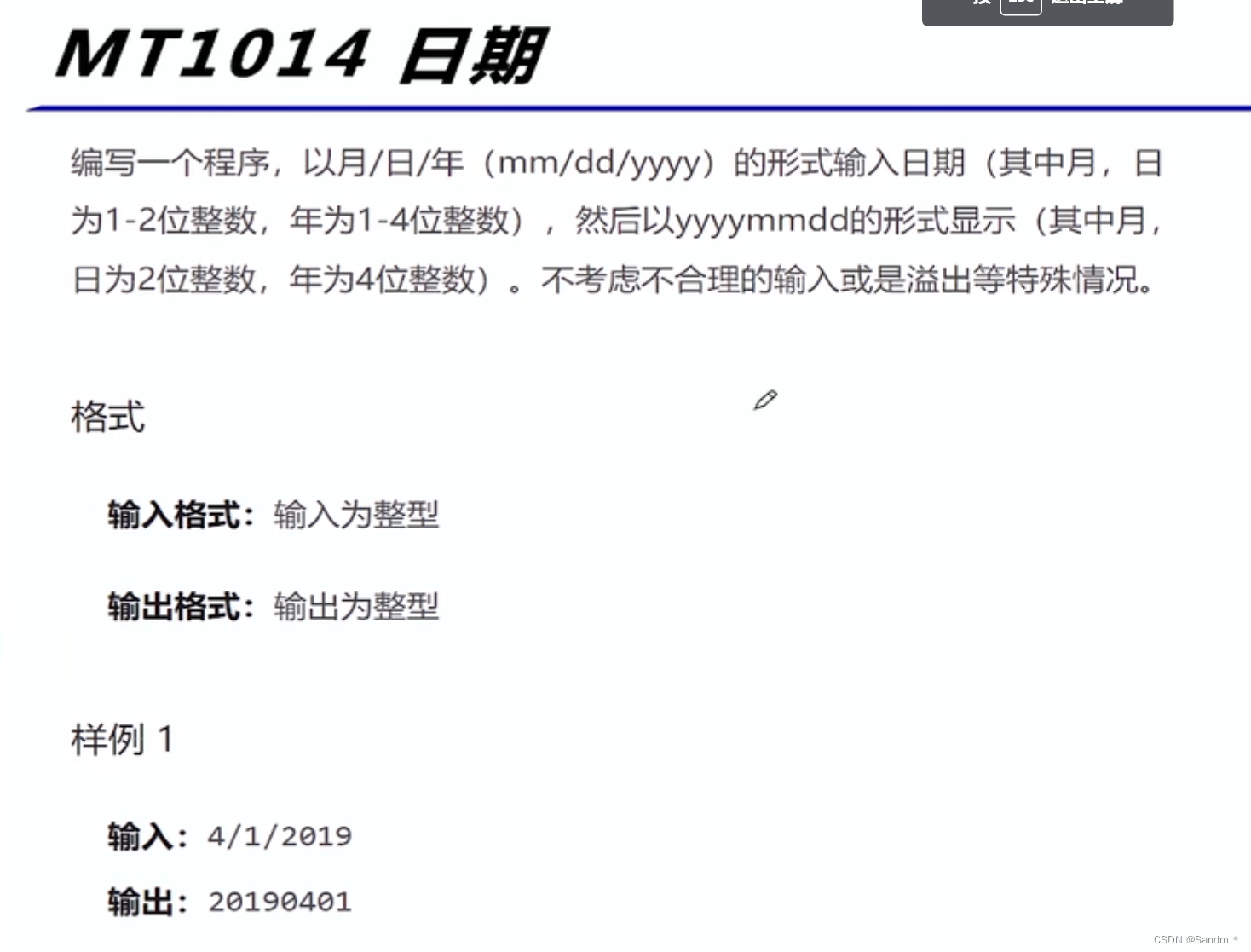
【码蹄集新手村 600 题】格式化的输入输出,使用 0 来代替补全的空格

Principle of voice communication network

Onvif protocol related: 4.1.4 WS username token method to obtain the stream address
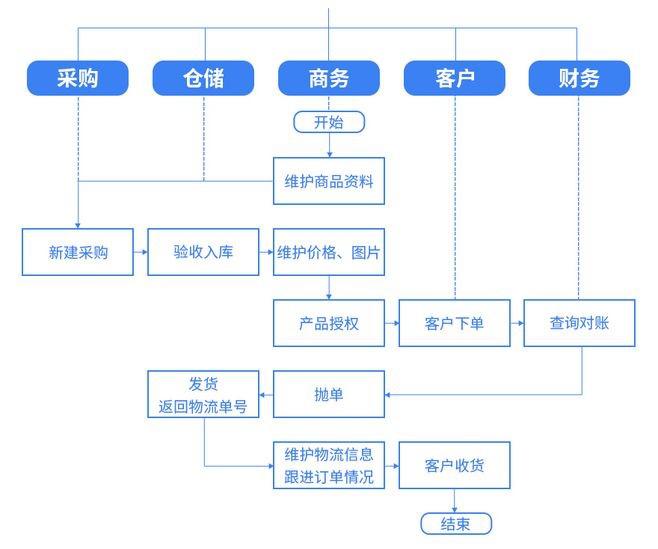
国内外十大erp软件系统排名!

Qt之使用QLisView实现QQ登录历史列表

onvif协议相关:2.1.3 none方式获取流地址

codeforce:A. Doremy‘s IQ【反向贪心】
onvif协议相关:4.1.3 WS-Username token方式获取截图url
随机推荐
Codeforce:a. difference operations [mathematical thinking]
【CANN训练营】昇腾AI基础知识介绍
Onvif protocol related: 4.1.1 WS username token method to obtain wsusernametokenbean
Google Earth Engine——1992—至今混合坐标海洋模型、水温和盐度(全球海洋数据集HYCOM)
onvif协议相关:2.1.1 none方式获取token
AcWing 136. 邻值查找
语音通信网络的原理
[understanding of opportunity-46]: Guiguzi - Chapter 10 - schemer, meaning of wisdom
codeforce:A. Doremy‘s IQ【反向贪心】
【7.12】Codeforces Round #806 (Div. 4)
Flutter uses animatedswitcher to switch scenes
主流erp系统排名,主流erp系统对比
Responsive Zhimeng template logistics and freight service website
QT use qlisview to realize QQ login history list
统计直播间的榜一信息,从这里起步
perl 命令批量替换文件中的一些内容
响应式织梦模板酒窖类网站
onvif协议相关:常用类说明
onvif协议相关:3.1.3 Digest方式获取截图url
Onvif protocol related: 4.1.4 WS username token method to obtain the stream address