当前位置:网站首页>Gdb+vscode for debugging 1 -- compile and debug using cmakelist files + attach process debugging
Gdb+vscode for debugging 1 -- compile and debug using cmakelist files + attach process debugging
2022-07-19 02:13:00 【bisheng95】
1. Establish engineering documents , The file tree is as follows

2.make.sh The script file is as follows
#! /bin/bash
cmake ..
make
3.CMakelist The documents are as follows
cmake_minimum_required(VERSION 3.16)       #  The version should be in 3.16 And above
project(GDB)

set(CMAKE_CXX_STANDARD 14)
SET(CMAKE_BUILD_TYPE DEBUG)                # Debugging mode is indispensable !

add_executable(HelloGDB main.cpp fun.h)
target_link_libraries(HelloGDB pthread)    # Multithreading needs to link library files pthread
3. Return to the main function interface ,F5

The following folders are automatically generated 
4. newly build launch.json file , edit launch.json file ,Add Configuration…


launch Is the compile Run option ,attach It is an additional process debugging function 
5. choice launch The way , Compile run mode
{
    "configurations": [
        {
            "name": "Debug HelloVS",
            "type": "cppdbg",
            "request": "launch",
            "program": "${workspaceFolder}/build/HelloGDB",
            "args": [],
            "stopAtEntry": false,
            "cwd": "${workspaceFolder}/build",
            "environment": [],
            "externalConsole": false,
            "MIMode": "gdb",
            "setupCommands": [
                {
                    "description": "Enable pretty-printing for gdb",
                    "text": "-enable-pretty-printing",
                    "ignoreFailures": true
                },
                {
                    "description":  "Set Disassembly Flavor to Intel",
                    "text": "-gdb-set disassembly-flavor intel",
                    "ignoreFailures": true
                }
            ],
            "preLaunchTask": "Build HelloVS",
            "miDebuggerPath": "/usr/bin/gdb"
        }
    ]
}
"program": "${workspaceFolder}/build/HelloGDB" # Specify the directory of the executable to be debugged
6. edit tasks.json file
{
    "tasks": [
        {
            "type": "cppbuild",
            "label": "Build HelloVS",
            "command": "./make.sh",
            "args": [
            ],
            "options": {
                "cwd": "${workspaceFolder}/build"
            },
            "problemMatcher": [
                "$gcc"
            ],
            "group": {
                "kind": "build",
                "isDefault": true
            },
            "detail": "Task generated by Debugger."
        }
    ],
    "version": "2.0.0"
}
"label": "Build HelloVS"            # there Build HelloVS And launch.json In the file "preLaunchTask": "Build HelloVS"  The names must be the same ,launch.json The preparatory work is to carry out Build HelloVS The job of , Namely compilation work
"cwd": "${workspaceFolder}/build"   # Appoint make.sh File directory
"command": "./make.sh"              # perform make.sh file , Must have chmod +x make.sh
"args": []                          #make The parameter of does not need to be specified , It's empty
7. Return to the main function file ,F5 Perform twice

8. Another way Attach, Debug the running program

launch The documents are as follows :
{
    "configurations": [
        {
            "name": "(gdb) Attach",
            "type": "cppdbg",
            "request": "attach",
            "program": "${workspaceFolder}/build/HelloGDB",
            "processId": "${command:pickProcess}",
            "MIMode": "gdb",
            "setupCommands": [
                {
                    "description": "Enable pretty-printing for gdb",
                    "text": "-enable-pretty-printing",
                    "ignoreFailures": true
                },
                {
                    "description":  "Set Disassembly Flavor to Intel",
                    "text": "-gdb-set disassembly-flavor intel",
                    "ignoreFailures": true
                }
            ]
        },

        {
            "name": "Debug HelloVS",
            "type": "cppdbg",
            "request": "launch",
            "program": "${workspaceFolder}/build/HelloGDB",
            "args": [],
            "stopAtEntry": false,
            "cwd": "${workspaceFolder}/build",
            "environment": [],
            "externalConsole": false,
            "MIMode": "gdb",
            "setupCommands": [
                {
                    "description": "Enable pretty-printing for gdb",
                    "text": "-enable-pretty-printing",
                    "ignoreFailures": true
                },
                {
                    "description":  "Set Disassembly Flavor to Intel",
                    "text": "-gdb-set disassembly-flavor intel",
                    "ignoreFailures": true
                }
            ],
            "preLaunchTask": "Build HelloVS",
            "miDebuggerPath": "/usr/bin/gdb"
        }
    ]
}
9. Run the program first
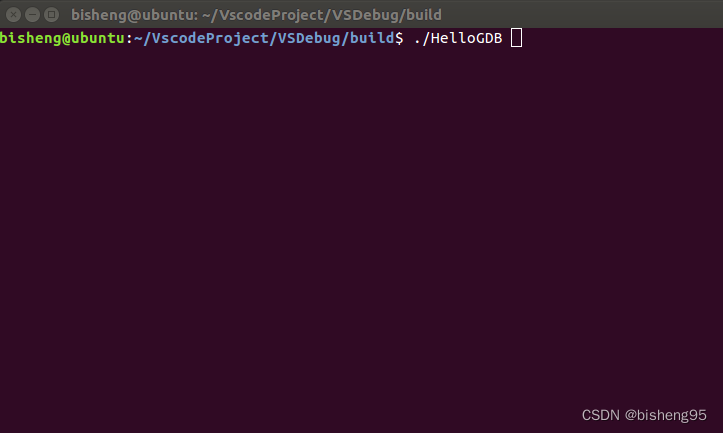
10. choice attach Mode debugging

F5 perform , Enter the name of the function to be debugged 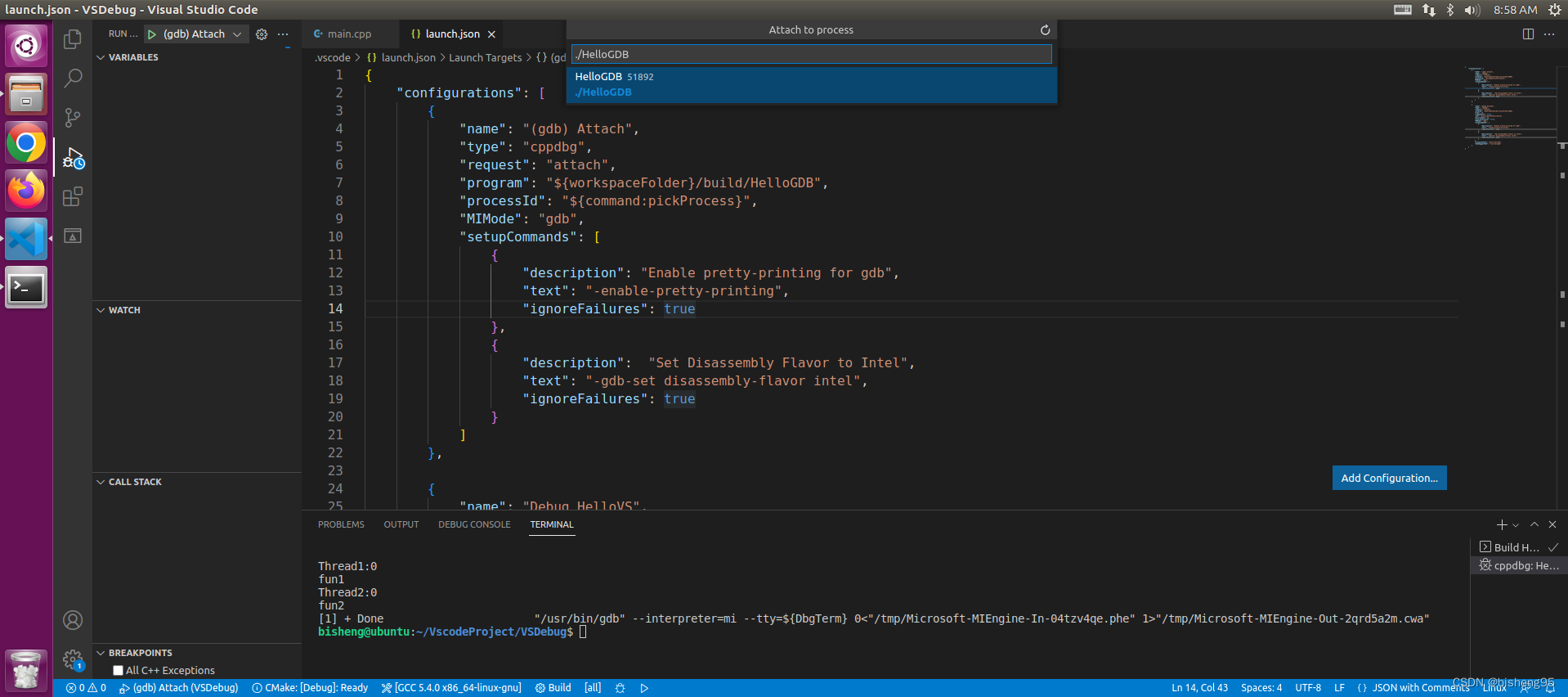
边栏推荐
- Uncaught syntaxerror: unexpected token '< is reported on the blank page of the H5 uniapp package‘
- DGC最佳实践:机密数据入湖,如何保证数据不被泄露?
- ENVI_IDL:读取所有OMI产品的NO2柱含量并计算月均值、季均值、年均值+解析
- 基于蒙特卡洛的强化学习方法【附带代码实现】
- YYDS! The latest distributed core technology notes summarized by Alibaba technical officers have been launched, which can be regarded as a blessing
- Clion 安装以及中开发ROS实现自动提示补全
- LeetCode:动态规划【基础题目求解】
- Oozie 集成 Shell
- Opengauss Developer Day 2022 dongfangtong sincerely invites you to visit the "dongfangtong ecological tools sub forum"
- switch详解
猜你喜欢

SAE j1708/j1587 protocol details

Can protocol communication

05 design of street lamp control fault detection system based on ZigBee

成信大ENVI_IDL第三周课堂内容1:读取OMI数据(HDF5文件)以及输出+解析

Basic principle and parameter interpretation of operational amplifier

ENVI_IDL:讀取所有OMI產品的NO2柱含量並計算月均值、季均值、年均值+解析

ENVI_IDL:批量拼接Modis Swath的逐日数据并输出为Geotiff格式

C语言程序之编译,链接

ENVI_IDL:读取OMI数据(HDF5)并输出为Geotiff文件+详细解析

gdb+vscode进行调试3——vscode以及gdb远程调试
随机推荐
ENVI_ Idl: average calculation + analysis of MODIS swath products in batches
Can protocol communication
The differences and usage of cookies, localstorage and sessionstorage
Oozie 集成 Sqoop
03 design of urban road dedusting and cooling system based on ZigBee
工厂方法模式随记
Swagger——世界上最流行的Api框架
搭建map-reduce开发环境
工程编译那点事:Makefile和cmake(一)
Oozie integrated sh
博客里《DSAA》相关文章的代码
成信大ENVI_IDL第二周课堂内容:打开HDF4文件并读取文件以及简单的数据处理和保存+详细解析
gdb+vscode进行调试4——gdb执行相关命令
LeetCode:动态规划中的0-1背包问题【快来直接套模板啦】
成信大ENVI_IDL第二周课后作业:提取n个点的气溶胶厚度+详细解析
指針常量與常量指針愛恨情仇
Leetcode 70:Climbing Stairs
在Oozie中配置 map-reduce workflow
Hue oozie editor scheduling shell
gdb+vscode进行调试5——gdb查看相关命令