当前位置:网站首页>Build your own blog system website in one hour
Build your own blog system website in one hour
2022-07-19 01:08:00 【Junior Hyena】
Wikijs
It's awesome , A particularly awesome open source software ,GitHub There has been a 15.5k The stars of
The most powerful and  extensible open source Wiki software
 The most powerful and scalable open source Wiki  Software
This is a I built my own website in an hour 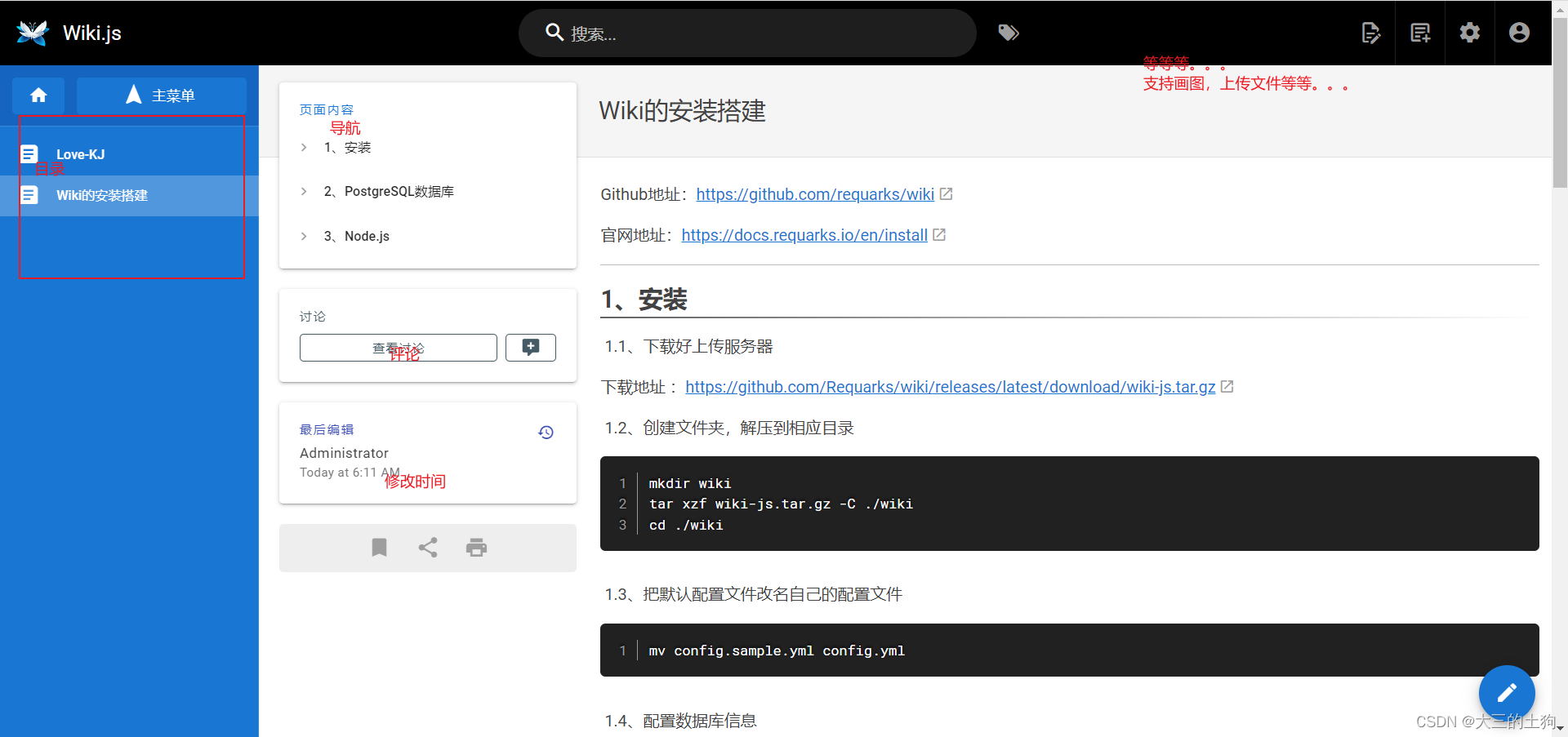
Here is wiki.js Official website
Github Address :https://github.com/requarks/wiki
Official website address :https://docs.requarks.io/en/install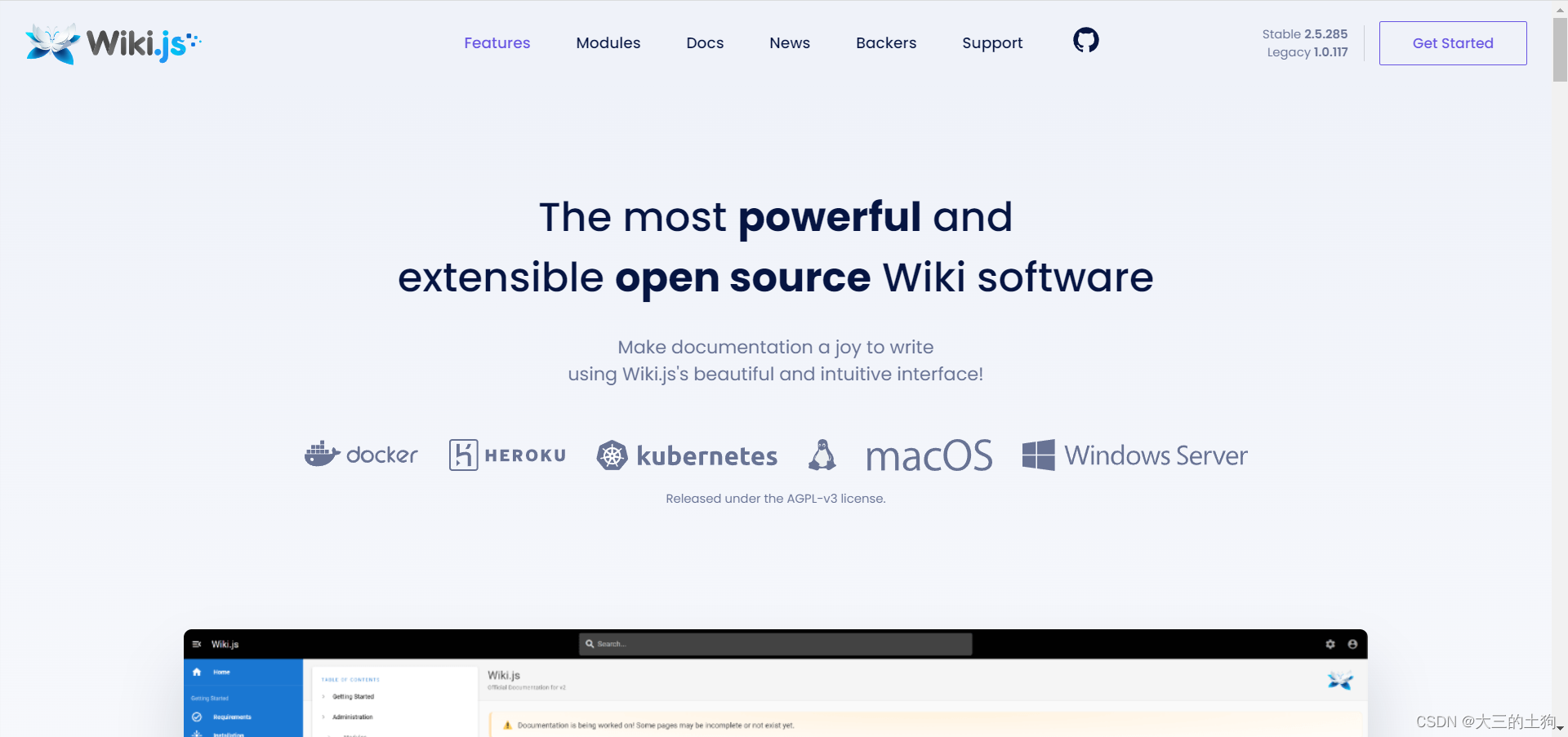
Environment building
1、 install
1.1、 Download and upload the server
Download address :https://github.com/Requarks/wiki/releases/latest/download/wiki-js.tar.gz
1.2、 Create folder , Extract to the appropriate directory
mkdir wiki
tar xzf wiki-js.tar.gz -C ./wiki
cd ./wiki
1.3、 Rename the default configuration file to your own configuration file
mv config.sample.yml config.yml
1.4、 Configuration database information
nano config.yml #nano=> To configure
config.yml
cd wiki

vim config.yml 		# Configure user password

postgres
your password
1.5、 modify postgresql Configuration of database , Because it does not support point-to-point connection
vim /var/lib/pgsql/14/data/pg_hba.conf     #

peer   --->  trust   # Change

systemctl restart postgresql-14   # Restart the service
1.6、 Create database
 psql -U postgres   #postgres user

 create database wiki;     # Create database wiki

 \l           # see
1.7、 start-up
node  server

nohup node server &					# backstage

3000
1.8、 Sinicization
locale
2、PostgreSQL database
Official website :https://www.postgresql.org/download/linux/redhat/
Choose your own operating system , Enter the following command :
sudo yum install -y https://download.postgresql.org/pub/repos/yum/reporpms/EL-7-x86_64/pgdg-redhat-repo-latest.noarch.rpm

sudo yum install -y postgresql14-server

sudo /usr/pgsql-14/bin/postgresql-14-setup initdb   # initialization

sudo systemctl enable postgresql-14			# Boot up

sudo systemctl start postgresql-14		# start-up

systemctl status postgresql-14	# Check
3、Node.js
Official website : http://nodejs.cn/
Download it , Upload the server and unzip
tar -xf node-v16.15.1-linux-x64.tar.xz
Change the name
mv node-v16.15.1-linux-x64 node
Configure environment variables
cd /root/node/bin       # Get into bin Catalog

ln -s /root/node/bin/node /usr/local/bin/node       # Soft chain to
4、npm install
ln -s /root/node/bin/npm /usr/local/bin/npm
5、 Background start
Here is a very convenient pm2
##  The startup script
pm2 start  Yours js Script

##  Stop script
pm2 stop  Yours js Script

##  Restart script
pm2 restart  Yours js Script

##  Stop all scripts
pm2 stop all

##  Restart all scripts
pm2 restart all

##  Global installation pm2
npm install -g pm2

ln -s /root/node/bin/pm2 /usr/local/bin/pm2     # The chain of soft
The development process
Administrators
This is the administrator panel , You can switch languages , Theme, etc , Management of ordinary users , Then you can also store settings and so on .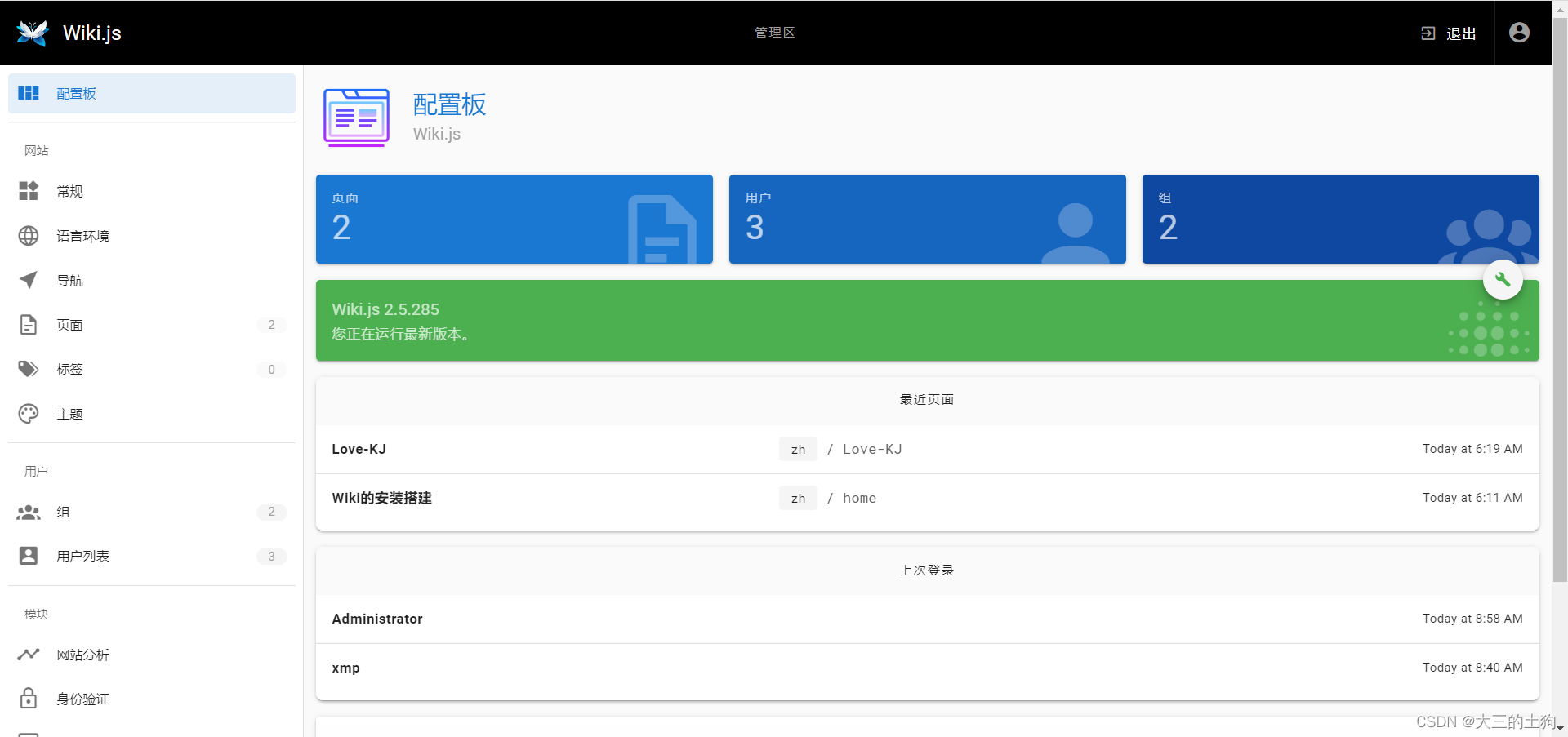

Ordinary users ( Write notes 、 Writing articles and so on )
New page , Support code 、markdown wait .

边栏推荐
- 【MariaDB】解决:ERROR 1045 (28000): Access denied for user ‘root‘@‘localhost‘ (using password: YES)
- Greenplum常用
- BeanFactory 和 ApplicationContext的区别
- MySQL data table query
- 插入排序总结
- Greenplum 6.x client connection
- 如何解决图神经网络过相关?一个IBM的新视角!
- Baidu page starts from 1 and JPA starts from 0
- 【Liunx】发布Jar包、日志动态查看、查看程序进程、结束程序
- Computer Graphics From Scratch - Chapter 3
猜你喜欢
![[gradle] quick configuration](/img/3a/6f627ac826d466f4a17e694289ffcf.png)
[gradle] quick configuration

Greenplum6.x客户端连接

mysql的逻辑架构

Fire prevention in midsummer! Guangdong carries out fire safety inspection in summer

Computer Graphics From Scratch - Chapter 3
![[natural language processing] [multimodal] multimodal overview: visual language pre training model](/img/4a/24be4efe9b0347033a9615cf54ceb5.png)
[natural language processing] [multimodal] multimodal overview: visual language pre training model

JVM 内存布局详解,图文并茂,写得太好了!
并查集
The logical architecture of MySQL

cli和vite通过代理实现跨域
随机推荐
Greenplum6.x客户端连接
Uva11362 phone list solution
[daily training] sword finger offer II 041 Average value of sliding window
BeanFactory 和 ApplicationContext的区别
Why processing data indicators
By voting for the destruction of STI by Dao, seektiger is truly community driven
The most beautiful yellow flower
必备基础:加签验签
C# 1到100求和 9*9乘法表 成绩等级ABCDE
利用 Redis 的 sorted set 做每周热评的功能
NiO three board axe buffer, a double-edged sword to improve program efficiency
常见链表题及其 Go 实现
JVM 内存布局详解,图文并茂,写得太好了!
视角渲染
Redis命令
Matlab画心
插入排序总结
IDEA开发Servlet项目 如何右键创建servlet
玩转CSDN编辑器
深入详细理解矩阵 (矩阵的加减乘、转置、共轭、共轭转置)