当前位置:网站首页>HCIA 静态基础实验 7.8
HCIA 静态基础实验 7.8
2022-07-17 12:00:00 【恩赫阿木古朗汗】
一、搭建拓扑
在ensp上搭建拓扑
二、通过手动为路由器和pc配置IP
1、为路由器配置ip
r1
The device is running!
<Huawei>system-view
Enter system view, return user view with Ctrl+Z.
[Huawei]sysname r1
[r1]int g0/0/0
[r1-GigabitEthernet0/0/0]ip add 192.168.1.1 24
Jul  8 2022 20:16:08-08:00 r1 %%01IFNET/4/LINK_STATE(l)[0]:The line protocol IP
on the interface GigabitEthernet0/0/0 has entered the UP state.
[r1-GigabitEthernet0/0/0]int g0/0/1
[r1-GigabitEthernet0/0/1]ip add 192.168.2.1 24
Jul  8 2022 20:16:28-08:00 r1 %%01IFNET/4/LINK_STATE(l)[1]:The line protocol IP
on the interface GigabitEthernet0/0/1 has entered the UP state.

[r1-GigabitEthernet0/0/1]display ip interface brief
*down: administratively down
^down: standby
(l): loopback
(s): spoofing
The number of interface that is UP in Physical is 3
The number of interface that is DOWN in Physical is 1
The number of interface that is UP in Protocol is 3
The number of interface that is DOWN in Protocol is 1

Interface                         IP Address/Mask      Physical   Protocol
GigabitEthernet0/0/0              192.168.1.1/24       up         up
GigabitEthernet0/0/1              192.168.2.1/24       up         up
GigabitEthernet0/0/2              unassigned           down       down
NULL0                             unassigned           up         up(s)
r2
The device is running!
<Huawei>system-view
Enter system view, return user view with Ctrl+Z.
[Huawei]sysname r2
[r2]int g0/0/0
[r2-GigabitEthernet0/0/0]ip add 192.168.2.2 24
Jul  8 2022 20:17:44-08:00 r2 %%01IFNET/4/LINK_STATE(l)[0]:The line protocol IP
on the interface GigabitEthernet0/0/0 has entered the UP state.
[r2-GigabitEthernet0/0/0]int g0/0/2
[r2-GigabitEthernet0/0/2]ip add 192.168.4.1 24
Jul  8 2022 20:18:10-08:00 r2 %%01IFNET/4/LINK_STATE(l)[1]:The line protocol IP
on the interface GigabitEthernet0/0/2 has entered the UP state.
[r2-GigabitEthernet0/0/2]int g0/0/1
[r2-GigabitEthernet0/0/1]ip add 192.168.3.1 24
[r2-GigabitEthernet0/0/1]display ip interface brief
*down: administratively down
^down: standby
(l): loopback
(s): spoofing
The number of interface that is UP in Physical is 4
The number of interface that is DOWN in Physical is 0
The number of interface that is UP in Protocol is 4
The number of interface that is DOWN in Protocol is 0

Interface                         IP Address/Mask      Physical   Protocol
GigabitEthernet0/0/0              192.168.2.2/24       up         up
GigabitEthernet0/0/1              192.168.3.1/24       up         up
GigabitEthernet0/0/2              192.168.4.1/24       up         up
NULL0                             unassigned           up         up(s)
r3
The device is running!
<Huawei>system-view
Enter system view, return user view with Ctrl+Z.
[Huawei]sysname r3
[r3]int g0/0/0
[r3-GigabitEthernet0/0/0]ip add 192.168.4.2 24
Jul  8 2022 20:19:08-08:00 r3 %%01IFNET/4/LINK_STATE(l)[0]:The line protocol IP
on the interface GigabitEthernet0/0/0 has entered the UP state.
[r3-GigabitEthernet0/0/0]int g0/0/1
[r3-GigabitEthernet0/0/1]ip add 192.168.5.1 24
[r3-GigabitEthernet0/0/1]
Jul  8 2022 20:19:38-08:00 r3 %%01IFNET/4/LINK_STATE(l)[1]:The line protocol IP
on the interface GigabitEthernet0/0/1 has entered the UP state.

[r3-GigabitEthernet0/0/1]display ip interface brief
*down: administratively down
^down: standby
(l): loopback
(s): spoofing
The number of interface that is UP in Physical is 3
The number of interface that is DOWN in Physical is 1
The number of interface that is UP in Protocol is 3
The number of interface that is DOWN in Protocol is 1

Interface                         IP Address/Mask      Physical   Protocol
GigabitEthernet0/0/0              192.168.4.2/24       up         up
GigabitEthernet0/0/1              192.168.5.1/24       up         up
GigabitEthernet0/0/2              unassigned           down       down
NULL0                             unassigned           up         up(s)
2、为pc配置ip
pc1

pc2

pc3

三、为三个路由器配置路由表
r1
[r1]display ip routing-table
Route Flags: R - relay, D - download to fib
------------------------------------------------------------------------------
Routing Tables: Public
         Destinations : 13       Routes : 13

Destination/Mask    Proto   Pre  Cost      Flags NextHop         Interface

      127.0.0.0/8   Direct  0    0           D   127.0.0.1       InLoopBack0
      127.0.0.1/32  Direct  0    0           D   127.0.0.1       InLoopBack0
127.255.255.255/32  Direct  0    0           D   127.0.0.1       InLoopBack0
    192.168.1.0/24  Direct  0    0           D   192.168.1.1     GigabitEthernet
0/0/0
    192.168.1.1/32  Direct  0    0           D   127.0.0.1       GigabitEthernet
0/0/0
  192.168.1.255/32  Direct  0    0           D   127.0.0.1       GigabitEthernet
0/0/0
    192.168.2.0/24  Direct  0    0           D   192.168.2.1     GigabitEthernet
0/0/1
    192.168.2.1/32  Direct  0    0           D   127.0.0.1       GigabitEthernet
0/0/1
  192.168.2.255/32  Direct  0    0           D   127.0.0.1       GigabitEthernet
0/0/1
    192.168.3.0/24  Static  60   0          RD   192.168.2.2     GigabitEthernet
0/0/1
    192.168.4.0/24  Static  60   0          RD   192.168.2.2     GigabitEthernet
0/0/1
    192.168.5.0/24  Static  60   0          RD   192.168.4.2     GigabitEthernet
0/0/1
255.255.255.255/32  Direct  0    0           D   127.0.0.1       InLoopBack0
r2
[r2]display ip routing-table
Route Flags: R - relay, D - download to fib
------------------------------------------------------------------------------
Routing Tables: Public
         Destinations : 15       Routes : 15

Destination/Mask    Proto   Pre  Cost      Flags NextHop         Interface

      127.0.0.0/8   Direct  0    0           D   127.0.0.1       InLoopBack0
      127.0.0.1/32  Direct  0    0           D   127.0.0.1       InLoopBack0
127.255.255.255/32  Direct  0    0           D   127.0.0.1       InLoopBack0
    192.168.1.0/24  Static  60   0          RD   192.168.2.1     GigabitEthernet
0/0/0
    192.168.2.0/24  Direct  0    0           D   192.168.2.2     GigabitEthernet
0/0/0
    192.168.2.2/32  Direct  0    0           D   127.0.0.1       GigabitEthernet
0/0/0
  192.168.2.255/32  Direct  0    0           D   127.0.0.1       GigabitEthernet
0/0/0
    192.168.3.0/24  Direct  0    0           D   192.168.3.1     GigabitEthernet
0/0/1
    192.168.3.1/32  Direct  0    0           D   127.0.0.1       GigabitEthernet
0/0/1
  192.168.3.255/32  Direct  0    0           D   127.0.0.1       GigabitEthernet
0/0/1
    192.168.4.0/24  Direct  0    0           D   192.168.4.1     GigabitEthernet
0/0/2
    192.168.4.1/32  Direct  0    0           D   127.0.0.1       GigabitEthernet
0/0/2
  192.168.4.255/32  Direct  0    0           D   127.0.0.1       GigabitEthernet
0/0/2
    192.168.5.0/24  Static  60   0          RD   192.168.4.2     GigabitEthernet
0/0/2
255.255.255.255/32  Direct  0    0           D   127.0.0.1       InLoopBack0
r3
[r3]display ip routing-table
Route Flags: R - relay, D - download to fib
------------------------------------------------------------------------------
Routing Tables: Public
         Destinations : 13       Routes : 13

Destination/Mask    Proto   Pre  Cost      Flags NextHop         Interface

      127.0.0.0/8   Direct  0    0           D   127.0.0.1       InLoopBack0
      127.0.0.1/32  Direct  0    0           D   127.0.0.1       InLoopBack0
127.255.255.255/32  Direct  0    0           D   127.0.0.1       InLoopBack0
    192.168.1.0/24  Static  60   0          RD   192.168.4.1     GigabitEthernet
0/0/0
    192.168.2.0/24  Static  60   0          RD   192.168.4.1     GigabitEthernet
0/0/0
    192.168.3.0/24  Static  60   0          RD   192.168.4.1     GigabitEthernet
0/0/0
    192.168.4.0/24  Direct  0    0           D   192.168.4.2     GigabitEthernet
0/0/0
    192.168.4.2/32  Direct  0    0           D   127.0.0.1       GigabitEthernet
0/0/0
  192.168.4.255/32  Direct  0    0           D   127.0.0.1       GigabitEthernet
0/0/0
    192.168.5.0/24  Direct  0    0           D   192.168.5.1     GigabitEthernet
0/0/1
    192.168.5.1/32  Direct  0    0           D   127.0.0.1       GigabitEthernet
0/0/1
  192.168.5.255/32  Direct  0    0           D   127.0.0.1       GigabitEthernet
0/0/1
255.255.255.255/32  Direct  0    0           D   127.0.0.1       InLoopBack0
四、测试,全网可达
PC>ping 192.168.3.2

Ping 192.168.3.2: 32 data bytes, Press Ctrl_C to break
Request timeout!
Request timeout!
From 192.168.3.2: bytes=32 seq=3 ttl=126 time=16 ms
From 192.168.3.2: bytes=32 seq=4 ttl=126 time=15 ms
From 192.168.3.2: bytes=32 seq=5 ttl=126 time=16 ms

--- 192.168.3.2 ping statistics ---
  5 packet(s) transmitted
  3 packet(s) received
  40.00% packet loss
  round-trip min/avg/max = 0/15/16 ms

PC>ping 192.168.5.2

Ping 192.168.5.2: 32 data bytes, Press Ctrl_C to break
Request timeout!
Request timeout!
From 192.168.5.2: bytes=32 seq=3 ttl=125 time=32 ms
From 192.168.5.2: bytes=32 seq=4 ttl=125 time=31 ms
From 192.168.5.2: bytes=32 seq=5 ttl=125 time=15 ms

--- 192.168.5.2 ping statistics ---
  5 packet(s) transmitted
  3 packet(s) received
  40.00% packet loss
  round-trip min/avg/max = 0/26/32 ms
边栏推荐
- Flink入门到实战-阶段五(处理函数)
- 2022-07-16: what is the output of the following go language code? A:[]; B:[5]; C:[5 0 0 0 0]; D:[0 0 0 0 0]。 package main imp
- Solutions to notebook keyboard failure
- Excel数据插入Mysql数据库可能遇到的问题
- 中科磐云——网络空间安全抓包题目 B.pcap
- 通信工程论文 通信网络中故障数据优化检测仿真研究
- 华为无线设备配置智能漫游
- C# 搭建一个基于.NET5的WPF入门项目
- 标准化、归一化和正则化的关系
- 文件操作的底层原理(inode与软硬链接,文件的时间属性)
猜你喜欢
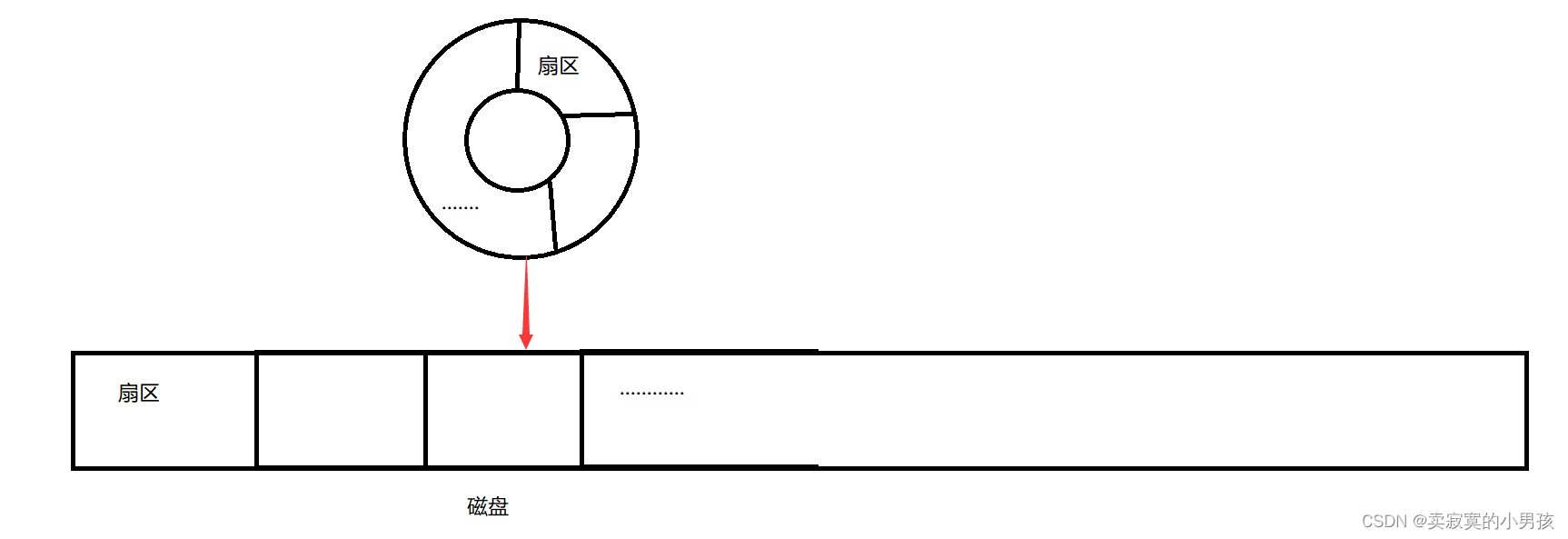
文件操作的底层原理(inode与软硬链接,文件的时间属性)

VC view memory leak
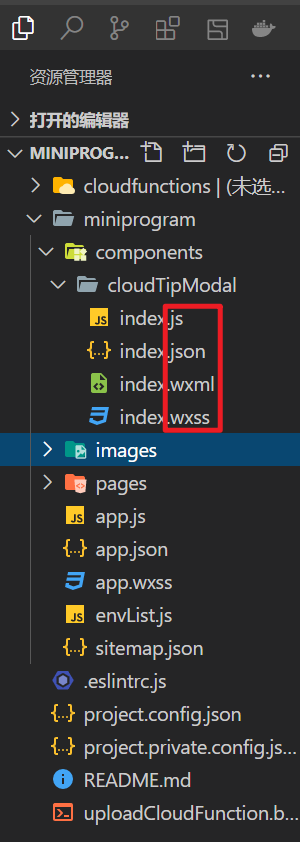
【微信小程序】使出千手浮图—回滚式

ES6中的let、const、var

华为昇思MindSpore详细教程

Software engineering - ranking of majors in Chinese Universities of Software Science
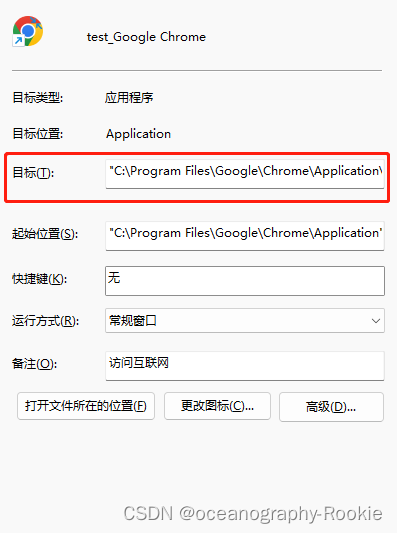
如何解决谷歌浏览器解决跨域访问的问题

上學=掙錢?無需繳納學費的神仙院校!
Huawei Shengsi mindspire detailed tutorial

Construction practice of pipeline engine of engineering efficiency ci/cd
随机推荐
FreeRTOS个人笔记-临界值的保护
【Unity技术积累】实现鼠标画线功能 & LineRenderer
Rasa 3.x 学习系列-Rasa 3.1.5 版本发布
在华为ModelArts运行YOLOV3_coco_detection_dynamic_AIPP样例
SSH连接华为ModelArts notebook
笔记本键盘失灵解决办法
Online education knowledge payment website source code system + live broadcast + applet, installation tutorial
Browser story
mysql5.6 alter语句
【vulnhub靶场】PRIME:1打靶过程记录
网络安全学习(千锋网络安全笔记)1--搭建虚拟机
上學=掙錢?無需繳納學費的神仙院校!
024.static与final使用陷阱 续
数据湖(十二):Spark3.1.2与Iceberg0.12.1整合
卫星网络中基于时变图的节能资源分配策略
基于信道状态信息的Wi-Fi感知技术与实践
作业:输入1-100的奇数
How to save and exit VIM
华为无线设备配置动态负载均衡
Blender数字孪生制作教程