当前位置:网站首页>Boston house price analysis assignment summary
Boston house price analysis assignment summary
2022-07-19 03:41:00 【Tomorrowave】
List of articles
How to load data

data_url = "http://lib.stat.cmu.edu/datasets/boston" #  Data sources
raw_df = pd.read_csv(data_url, sep="\s+", skiprows=22, header=None)
#  use pandas read csv file   Skip the 22 That's ok , The middle interval is any length of the same character
data = np.hstack([raw_df.values[::2, :], raw_df.values[1::2, :2]])
#  Merge array
target = raw_df.values[1::2, 2]
house = pd.read_csv("./data/boston.csv")
Understand the data part
house.head() #  Read the first five lines

#  The scale of the data
house.shape

#  The column name of each column of the dataset
house.columns
#  Basic statistical description of data set
#  This command is very convenient , Presents the basic statistical distribution of this data set , This is for each column , Statistics include : Maximum , minimum value ,
house.describe()

#> Sometimes we can also pass df.info() To make a simple overview of the data set , It depends more on the actual situation , And the type of the variable , Analyze data processing methods through variable types .

house.info()
Data processing
Missing value processing
Several cases of missing data :
①: Missing value is too large , For example, it has exceeded the normal value 1/2, There is no need to consider how to fill this , Keeping this feature increases the error , You can choose to eliminate
②: The missing value is less than 1/2 Of , But there is a continuous lack , It can also be considered as a large section , If this is in the front , There is no need to consider , Act directly as NaN Form a new sample and add it to the sample , If it is in the middle or behind , According to the missing quantity , You can consider using mean or linear regression 、 Gray prediction, wait for rescue
③: The missing value is much smaller than 1/2, And it is discontinuous , Here we can use some complex interpolation , Or use the average of the previous and subsequent numbers , Modes can be filled , And filling in may have some unexpected effects .
Count directly
null.isnull().sum()
Count the proportion of missing values
A = []
for col in null.columns:
    A.append((col,
             null[col].isnull().sum() * 100 / null.shape[0]))
pd.DataFrame(A, columns=['Features', 'missing rate'])
Fill blank value method (fillna)
- Fill with fixed values
train_data.fillna(0, inplace=True) # fill 0
- Fill in the mean
Missing values for each column , Fill in the average of the current column .
train_data.fillna(train_data.mean(),inplace=True) # Fill in the mean
- Fill in the median
train_data.fillna(train_data.median(),inplace=True) # Fill in the median
- Fill in the mode
train_data.fillna(train_data.mode(),inplace=True) # Fill in the mode , The data is missing too many modes appear as nan The situation of
- fill KNN data
from fancyimpute import KNN

train_data_x = pd.DataFrame(KNN(k=6).fit_transform(train_data_x), columns=features)
边栏推荐
- XX市高中网络拓扑整体规划配置
- 2.9.2 Ext JS的数字类型处理及便捷方法
- 論文閱讀:U-Net++: Redesigning Skip Connections to Exploit Multiscale Features in Image Segmentation
- Derivation of PCA principal component analysis (dimension reduction) process
- Solve the error of 0x00000709 when win10 connects to the shared printer
- Chengxin University envi_ IDL second week class content: open hdf4 file and read the file, as well as simple data processing and saving + detailed analysis
- Through openharmony compatibility evaluation, the big brother development board and rich teaching and training resources have been ready
- Pure virtual function
- The installation software prompts that the program input point adddlldirectory cannot be located in the dynamic link library kernel32 DLL (download address at the end of the text)
- 洛谷每日三题之第三天(第四天补做)
猜你喜欢

机器学习库Scikit-Learn(线性模型、岭回归、插入一列数据(insert)、提取所需列、向量机(SVM)、聚类)
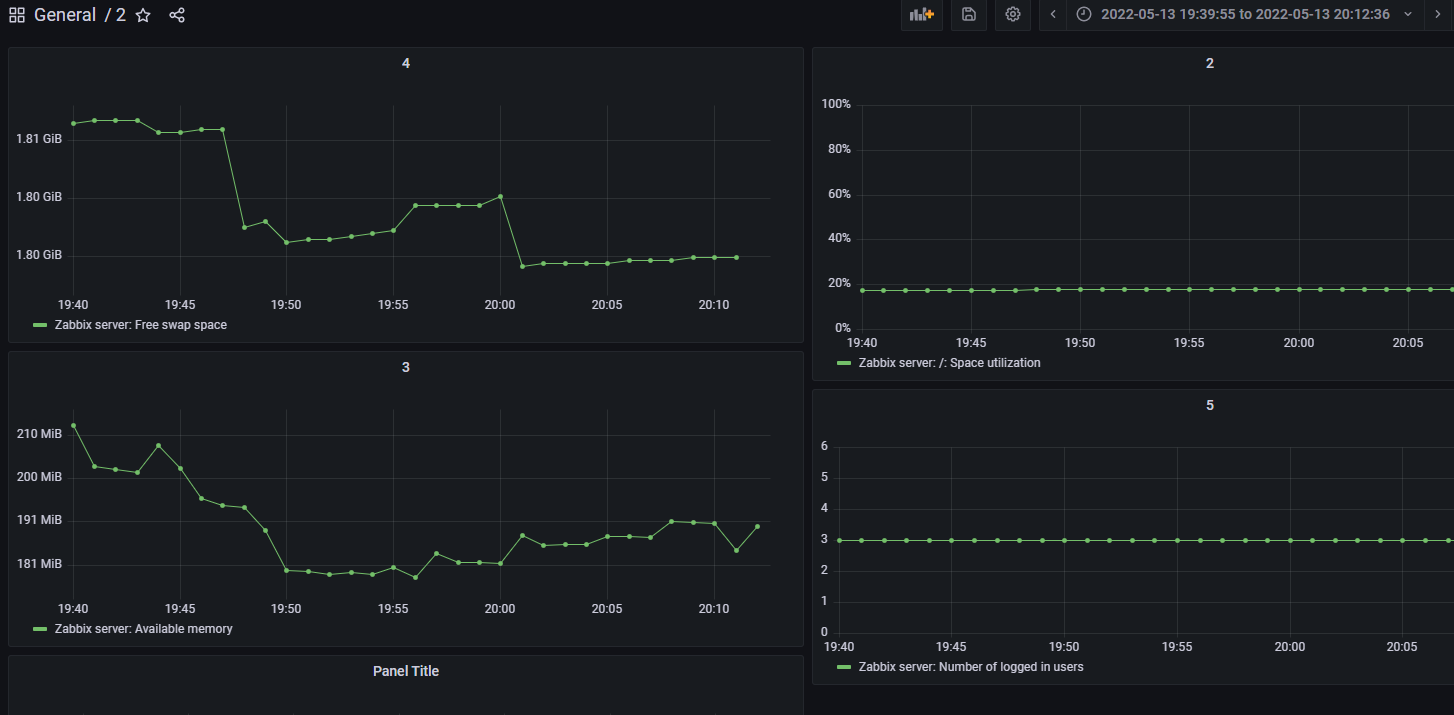
Display zabbix6.0 information using grafana8.5.2
laravel的问题

基于Pandoc与VSCode的 LaTeX环境配置

Leetcode: subsequence problem in dynamic programming

leetcode162. Looking for peak

IEEE754 standard floating point format

SparkCore核心设计:RDD,220716,
![Dqn theoretical basis and code implementation [pytoch + cartpole-v0]](/img/cf/32438e403544aa42e2fdd2e181327c.png)
Dqn theoretical basis and code implementation [pytoch + cartpole-v0]

GoogLeNet
随机推荐
mysqldump: [Warning] Using a password on the command line interface can be insecure.
Leetcode: dynamic programming [basic problem solving]
Use RZ, SZ commands to upload and download files through xshell7
Note: light source selection and Application
Machine learning library scikit learn (linear model, ridge regression, insert a column of data, extract the required column, vector machine (SVM), clustering)
Gnome boxes virtual machine creation and installation
My most productive easypypi once again has been updated! V1.4.0 release
Flutter development: running the flutter upgrade command reports an error exception:flutter failed to create a directory at... Solution
Using gatekeeper to restrict kubernetes to create specific types of resources
Digital type processing and convenient method of ext JS
VGG (Visual Geometry Group)
Fisher linear discriminant analysis
SwiftUI 考试题库项目之支持题库和考试题库数量(教程含源码)
ES6学习笔记——B站小马哥
mysql创建项目研发账号
Install Net prompt "cannot establish a certificate chain to trust the root authority" (simple method with download address)
The third day of the three questions of Luogu daily (make up on the fourth day)
S32k148evb about eNet loopback experiment
Leetcode: subsequence problem in dynamic programming
Unity解决同材质物体重叠产生Z-Fighting的问题