当前位置:网站首页>Learning notes: what are the common array APIs that change the original array or do not change the original array?
Learning notes: what are the common array APIs that change the original array or do not change the original array?
2022-07-26 09:38:00 【Bean sprouts don't eat beans】
Reviewed the common use of arrays api, Practice some parameters and details that you may easily confuse or ignore ~
It's better to knock it out by yourself , It's no use just looking ~
First write the summary in front :
Change the operation of the original array :pop / push / shift / unshift / splice / reverse / sort
Do not change the operation of the original array :concat / filter / join / slice / reduce / findIndex / forEach / map
<!DOCTYPE html>
<html lang="en">
<head>
  <meta charset="UTF-8">
  <meta name="viewport" content="width=device-width, initial-scale=1.0">
  <title> Array common api</title>
</head>
<body>
  <script> var commonArr = [1,2,3,4]; var strArr = ['apple','orange','purple','lemon'] var noArr = []; // concat: Merge array (>=2), It doesn't change the original array , Returns a new array ( Shallow copy ) var concatArr = commonArr.concat([5,6]); console.log(commonArr,concatArr) // [1,2,3,4] [1,2,3,4,5,6] //filter: Create a new array , It contains elements that pass the test , Elements that fail the test return []( Don't change the original array ) var filterArr = commonArr.filter(item=>item>2); var fitlterStrArr = strArr.filter((item,index)=>item.length>5) console.log(commonArr,filterArr,fitlterStrArr) // [1,2,3,4] [3,4] // find: Return the first element of successful test , No return undefined ( It doesn't change the original array ) var findElement1 = commonArr.find((item,index,arr)=>item>2,window); // 3 var findElement2 = commonArr.find(item=>item>4); // undefined console.log(findElement1,findElement2) // findIndex: Return the index of the first element of successful test , No return -1 ( It doesn't change the original array ) var findElementIndex = commonArr.findIndex((item,index)=>{
     return item>1 && index>2}) console.log(commonArr,findElementIndex); // [1,2,3,4] 3 // : Execute the given function once for each element of the array , Return value  undefined ( It doesn't change the original array ) const arraySparse = [1,2,3,,6]; var sparseResult = arraySparse.forEach((item,index)=>{
      noArr.push(item + 1); }) console.log(sparseResult,noArr) // map: Returns a new array composed of the results of the callback function executed by each element of the original array  ( It doesn't change the original array ) var mapArr = strArr.map((item,index)=>item.length<6); console.log(mapArr) // [true, false, false, true] console.log(commonArr.map(item=>item*2)) // [2 4 6 8] // indexOf: Returns the first index of a given element found in the array , Otherwise return to -1 ( It doesn't change the original array ) var findIndex1 = commonArr.indexOf(1); console.log(findIndex1) // 0 var findIndex3 = commonArr.indexOf(3,-1); // -1 Means to search from the first element at the end of the array  console.log(findIndex3) // -1 var findIndex2 = commonArr.indexOf(2,-4); console.log(findIndex2); // 1 // join: Array to string , If the array is empty , Returns an empty string  ( It doesn't change the original array ) const joinStr = strArr.join(); // join No delimiter , The default is comma  console.log(joinStr,typeof joinStr) // apple,orange,purple,lemon string console.log(strArr.join(''),strArr); // appleorangepurplelemon ["apple", "orange", "purple", "lemon"] //  Passing in a null character means that there is no separator between all elements  // pop: Delete the last element of the array and return its value   Change the original array  console.log(commonArr.pop(),commonArr) // 4-- Delete value  [1,2,3] // push: Add one or more elements to the end of the array , And return the new length of the array   Change the original array  console.log(commonArr.push(4,5),commonArr) // 5-- The length of the array  [1, 2, 3, 4, 5] //shift: Delete the first element of the array and return the value of that element   Change the original array   If the array is empty , return undefined console.log(commonArr.shift(),commonArr) // 1-- Delete value  [2, 3, 4, 5] // unshift: Add one or more elements to the beginning of the array , And return the new length of the array  ( Modify the original array ). console.log(commonArr.unshift(0,9,1),commonArr) // 7--- The length of the array  [0, 9, 1, 2, 3, 4, 5] // reduce: Execute reducer function ( Ascending ), And summarize the results into a single return value  ( It doesn't change the original array ) // reducer( Accumulator , Current value , Current index , Source array )  Accumulator --- Cumulative callback return value  //  notes : If not provided initialValue,reduce  From the index 1 Where we started  callback  Method , Skip the first index . Provided initialValue, From the index 0 Start  var sum = commonArr.reduce((accu,curr,index,arr)=>{
      return accu+curr; },10); console.log(sum,commonArr) // 34 //  Convert a two-dimensional array to a one-dimensional array  var faltArr = [1,[2,3],5]; //  Use flattening directly   It doesn't change the original array ) console.log((faltArr.flat())) // [1, 2, 3, 5] //  Use reduce var faltArrResult=faltArr.reduce((accu,curr,index,arr)=>{
      console.log(accu,curr) return accu.concat(curr) },[]); console.log(faltArrResult) // [1, 2, 3, 5] // slice: Returns a new array containing the extracted elements [begin,end), The original array does not change ( Shallow copy of the original array ) var sliceArr = (faltArrResult.slice(2,4)) console.log(sliceArr,faltArrResult) // [3, 5] [1, 2, 3, 5] sliceArr.push(99); console.log(sliceArr,faltArrResult) // [3, 5] [1, 2, 3, 5]  Array   Boolean values, etc. have no effect  var objArr = [{
     name:'aaa',age:12},{
     name:'bbb',age:123},{
     name:'ccc',age:1234}]; var sliseObj = objArr.slice(0,2); console.log(sliseObj,objArr) // [{name:'aaa',age:444},{name:'bbb',age:123}]; [{name:'aaa',age:444},{name:'bbb',age:123},{name:'ccc',age:1234}] sliseObj[0].age = 444; console.log(sliseObj,objArr) // [{name:'aaa',age:444},{name:'bbb',age:123}]; [{name:'aaa',age:444},{name:'bbb',age:123},{name:'ccc',age:1234}] // splice( Starting position , Delete a few elements , What elements are added ): Delete or replace existing elements or add new elements in place to modify the array , Returns an array of deleted elements . This method will change the original array  var spliceArr = objArr.splice(0,2); console.log(spliceArr) // [{name:'aaa',age:444},{name:'bbb',age:123}] console.log(commonArr) // [0, 9, 1, 2, 3, 4, 5] // commonArr.splice(0,4,888); // console.log(commonArr) //[888,3,4,5] console.log(commonArr.splice(1,2)) // [9,1] console.log(commonArr) // [0, 2, 3, 4, 5] console.log(commonArr.splice(1,0,1)) // []  No deleted elements , Then return an empty array ( Here are the new elements ) console.log(commonArr) // [0, 1, 2, 3, 4, 5] //  Change the operation of the original array :pop push shift unshift splice reverse( Inversion array ) sort </script>

</body>
</html>
-------------------------------- Split line -----------------------------------------------------------
Add a few more array exercises :
1. What does the following code output ?
["1","2","3"].map(parseInt)
The result is : 1 NaN NaN
The analysis is as follows :
["1","2","3"].map(parseInt)   // parseInt  This way of writing without parameters , By default, the current loop's (item,index)
    //  Its traversal process is equivalent to parseInt(1,0) // 1
    // parseInt(2,1) // NaN
    // parseInt(3,2) // NaN

    The above code is equivalent to :
    ["1","2","3"].map((item,index)=>parseInt(item,index))// parseInt( The number , Hexadecimal number -- The default is 0 10 Base number  2  Express 2 Base number )
2. Several methods to realize array de duplication :
 const arrs = [1,2,3,4,1,3,5,5,6,1,2,9];
   // 1. Use indexOf: Returns the first index of a given element found in the array , Otherwise return to -1 ( It doesn't change the original array )
    function unique1(arr){

      if(!Array.isArray(arr))return;
      var newArr = [];   //  Create a new array to receive different values
      for(var i=0;i<arr.length;i++){

        if(newArr.indexOf(arr[i]) === -1) {
      //  Look in the new array for arrs The value in , If not, put the current value push Enter new array , If there is, do nothing , Enter next cycle
          newArr.push(arr[i])
        }
      }
      return newArr;
    }
    console.log(unique1(arrs)) // [1, 2, 3, 4, 5, 6, 9]  Both string arrays and numbers can be used , Special characters don't work

    // 2.sort: Array sorting ( In ascending or descending order )  Can only be used for numbers
    function unique2(arr) {

      if(!Array.isArray(arr))return;
      let sortArr = arr.sort((a,b)=>a-b);  //  Ascending
      let newArr = [];
      for(let i=0;i<sortArr.length;i++) {

        //  Comparison of adjacent elements
        if(arr[i] != arr[i+1]) {

          newArr.push(arr[i])
        }
      }
      return newArr
    }
   console.log(unique2(arrs)) // [1, 2, 3, 4, 5, 6, 9]

    // 3.splice( Starting position , Delete a few elements , What elements are added ): Delete or replace existing elements or add new elements in place to modify the array , Returns an array of deleted elements . This method will change the original array
    function unique3(arr) {

      if(!Array.isArray(arr))return;
      //  Cyclic element
     for(let i=0;i<arr.length;i++) {

       //  Loop comparison value   Delete duplicate elements  i=0 i=1 i=2
       for(let j = i+1;j<arr.length;) {
      // j =1 j=2
         if(arr[i] === arr[j]) {

           arr.splice(j,1); // arr = [1,1,2]
         } else {

           j++  //j=3
         }
       }
     }
      return arr
    }

    console.log(unique3(arrs))  // [1, 2, 3, 4, 5, 6, 9]

    // 4.includes:  Whether the array contains a specific value
    function unique4(arr) {

      if(!Array.isArray(arr))return;
      let newArr = [];
      for(let i=0;i<arr.length;i++) {

        if(!newArr.includes(arr[i])) {

          newArr.push(arr[i])
        }
      }
      return newArr
    }
   console.log((unique4(arrs))) // [1, 2, 3, 4, 5, 6, 9]

    // 5.set Object allows you to store unique values of any type , Whether it's the original value or the object reference
    function unique5(arr) {

      //  Use the constructor to Array To Set object
      let newArr = new Set(arr);
      return [...newArr]  //  Use ... Operator will Set transformation Array
    }
    console.log(unique5(arrs))   // [1, 2, 3, 4, 5, 6, 9]
3. The number of occurrences of each element in the array :
The solution is : Write the array elements as attributes of the new object , And set the attribute value of the new object to 1, If the attribute is repeated , Then attribute value +1
function showTime(arr) {

       let obj= {
    };
      for(let i=0;i<arr.length;i++) {

        let data = arr[i];
        let count = obj[data];  //  Write array values to object properties
        if(count) {

          obj[data] += 1;  //  repeat , Attribute value plus 1
        } else {

          obj[data] = 1;
        }
      }
      return obj;
    }
    console.log(showTime([1,1,1,1,2,3,[1,2,1]]))  // {1: 4, 2: 1, 3: 1}
边栏推荐
- Solve "note: one or more layouts are missing the layout_width or layout_height attributes."
- E. Two Small Strings
- [MySQL] understand the important architecture of MySQL (I)
- Antd treeselect gets the value of the parent node
- 小程序纪录
- EOJ 2020 January race E-number transformation
- uni-app学习总结
- Search module use case writing
- v-for动态设置img的src
- sublime 安装插件
猜你喜欢

QT handy notes (III) use qtcharts to draw a line chart in VS
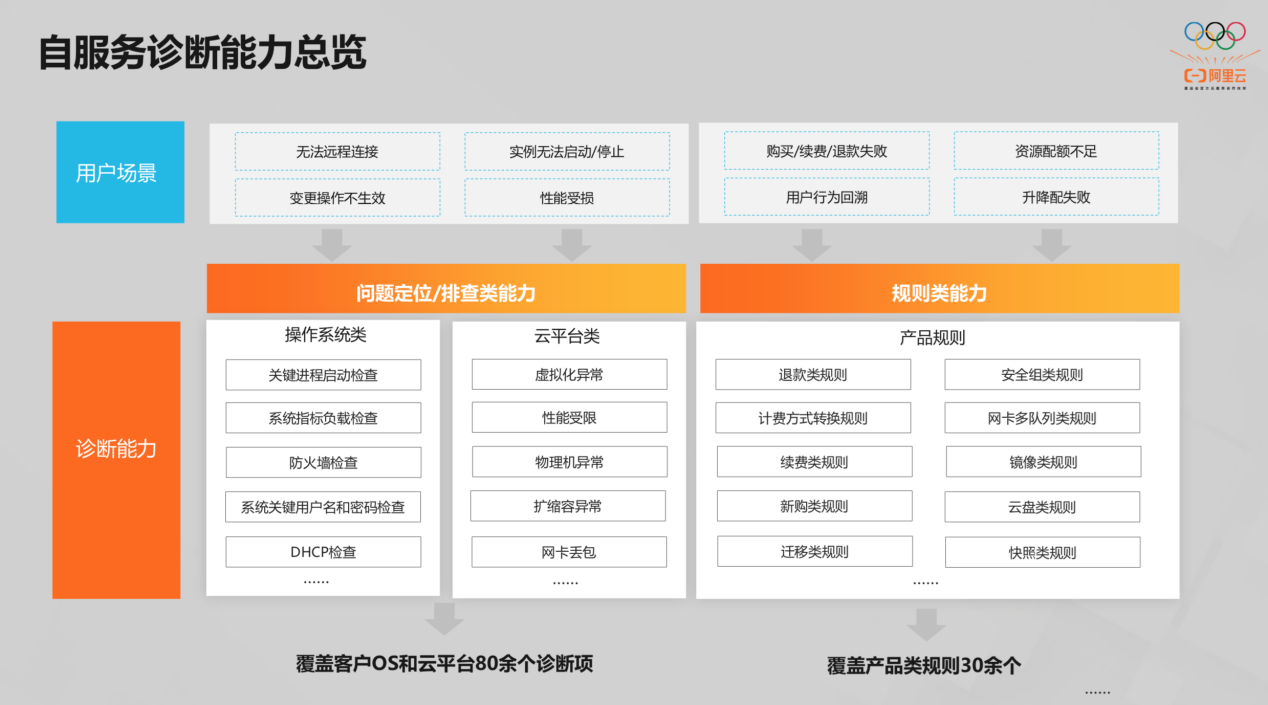
阿里云技术专家郝晨栋:云上可观测能力——问题的发现与定位实践

OFDM Lecture 16 - OFDM

Jmeter配置元件之CSV数据文件设置

面试突击68:为什么 TCP 需要 3 次握手?
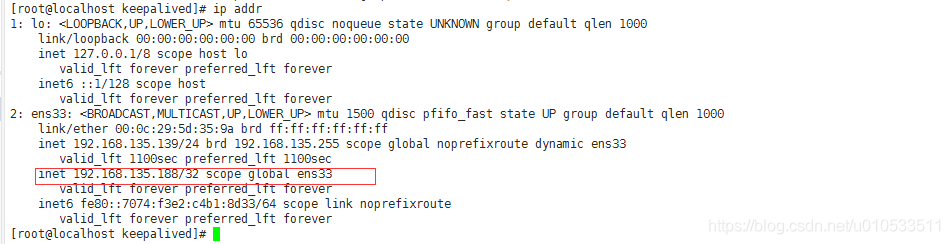
keepalived 实现mysql自动故障切换

一种分布式深度学习编程新范式:Global Tensor

Source code analysis of object wait notify notifyAll

MQTT X CLI 正式发布:强大易用的 MQTT 5.0 命令行工具

mysql5.7.25主从复制(单向)
随机推荐
高斯消元
配置ADCS后访问certsrv的问题
IIS网站配置
服务器、客户端双认证
QT handy notes (II) edit control and float, qstring conversion
OFDM Lecture 16 - OFDM
如何添加一个PDB
MySql5.7.25源码安装记录
【荧光字效果】
附加到进程之后,断点显示“当前不会命中断点 还没有为该文档加载任何符号”
Mo team learning notes (I)
The provincial government held a teleconference on safety precautions against high temperature weather across the province
Great reward for interview questions
Fiddler packet capturing tool for mobile packet capturing
C# 托管与非托管
Gauss elimination
[Online deadlock analysis] by index_ Deadlock event caused by merge
Logical architecture of MySQL
学习笔记之常用数组api 改变原数组和不改变原数组的有哪些?
POJ 1012 Joseph