当前位置:网站首页>Pytorch installation (very detailed)
Pytorch installation (very detailed)
2022-07-18 22:45:00 【Redamancy06】
List of articles
- 1.pytorch Installation
- 1.1 Environment configuration
- 1.2 establish pytorch Folder ( Environmental Science )
- 1.3 see pytorch Version history
- 1.4 Next, there is a trick
- 1.5 Start the download pytorch Environmental Science
- 1.6 verification pytorch Installation successful
- 1.7 uninstall pytorch Environmental Science
- 1.8 take pycharm Replace the environment with Anaconda Under the pytorch Environmental Science
1.pytorch Installation
1.1 Environment configuration

Run the

Anaconda Please see the detailed installation steps I wrote before http://t.csdn.cn/CZtm3
1.2 establish pytorch Folder ( Environmental Science )
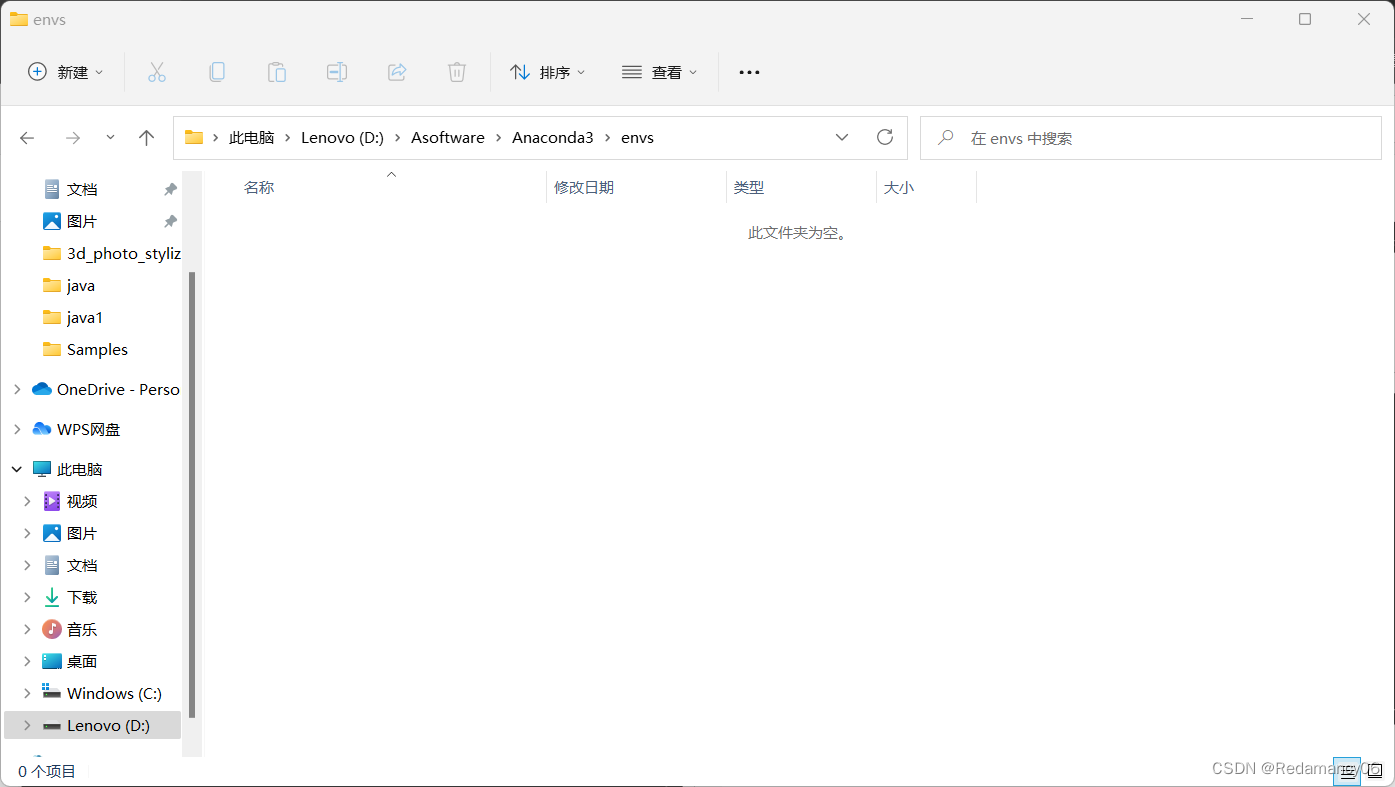

Then enter and wait for installation

If this appears, it will be successful 
Look at the folder again, there is one more file pytorch

Then we enter the command to enter pytorch Environmental Science conda activate pytorch
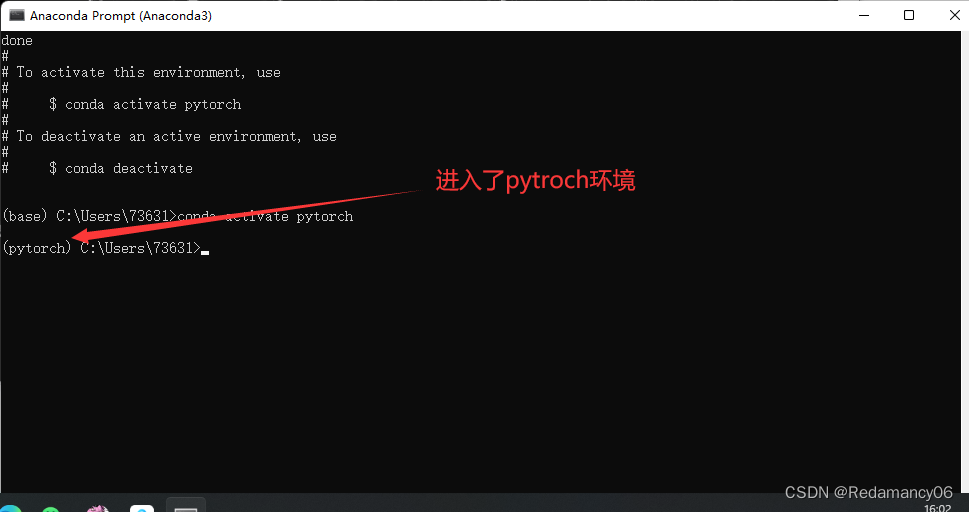
We can see that we have entered pytorch Environmental Science 
This command is to view the packages installed in this environment conda list
1.3 see pytorch Version history
Links to previous versions https://pytorch.org/get-started/previous-versions/

I chose this , Because of my cuda The download is 11.1
1.4 Next, there is a trick
We are using anaconda Environmental management software , Various packages downloaded through instructions , Its default source , That is, the server that provides the installation package or compressed package , It was set up by their company . The location of this server is abroad , So the link speed is slow , unstable , Download speed is also slow . We can set the download source as domestic source through instructions .
Tsinghua source is recommended here 、 China University of science and technology .
1.4.1 Tsinghua source :
conda config --add channels https://mirrors.tuna.tsinghua.edu.cn/anaconda/pkgs/free/
conda config --add channels https://mirrors.tuna.tsinghua.edu.cn/anaconda/pkgs/main/
conda config --add channels https://mirrors.tuna.tsinghua.edu.cn/anaconda/cloud/pytorch/
conda config --set show_channel_urls yes
1.4.2 China University of science and technology :
conda config --add channels https://mirrors.ustc.edu.cn/anaconda/pkgs/main/
conda config --add channels https://mirrors.ustc.edu.cn/anaconda/pkgs/free/
conda config --add channels https://mirrors.ustc.edu.cn/anaconda/cloud/conda-forge/
conda config --add channels https://mirrors.ustc.edu.cn/anaconda/cloud/msys2/
conda config --add channels https://mirrors.ustc.edu.cn/anaconda/cloud/bioconda/
conda config --add channels https://mirrors.ustc.edu.cn/anaconda/cloud/menpo/
conda config --set show_channel_urls yes
Copy and paste all instructions into the command line . Download speed takes off after changing the source .
Copy these instructions to Anaconda Inside
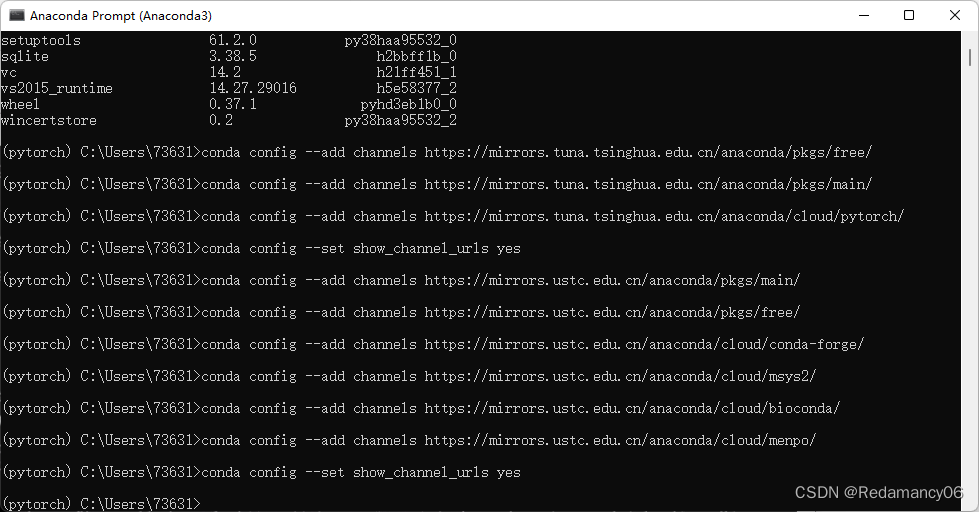
Finish changing the download source .

Check whether the source has been added. The instruction is
conda config --show-source
1.5 Start the download pytorch Environmental Science

Then return and wait for installation 

Here is the version of the download package

What is shown here is what needs to be installed size 
fill y enter

Waiting for the installation

Installation successful
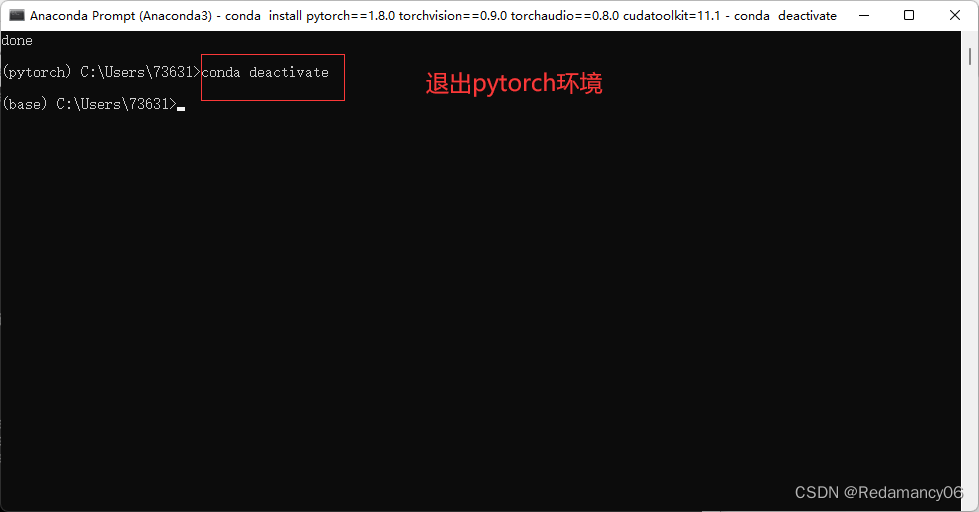
sign out pytorch Environmental Science
conda deactivate
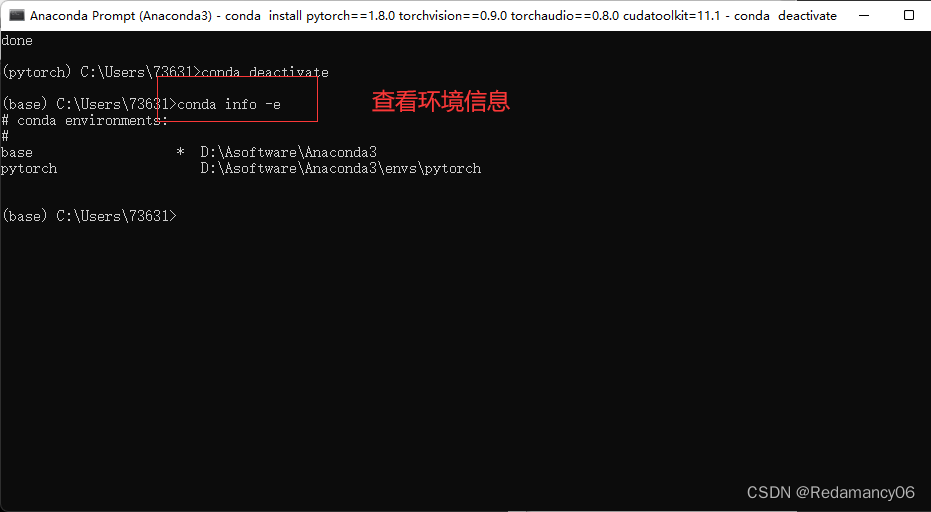
View environment information
conda info -e
complete
1.6 verification pytorch Installation successful

stay pytorch Input in the environment python, then import torch, My situation indicates that the installation is successful
import torch

This is verification cuda Whether it can work normally
torch.cuda.is_available()

sign out python Environmental Science
quit()
1.7 uninstall pytorch Environmental Science

This statement will pytorch Environment delete , Follow the prompts , I'm not going to show you , It's not easy to download a good environment , Don't delete
conda remove -n pytorch --all
1.8 take pycharm Replace the environment with Anaconda Under the pytorch Environmental Science
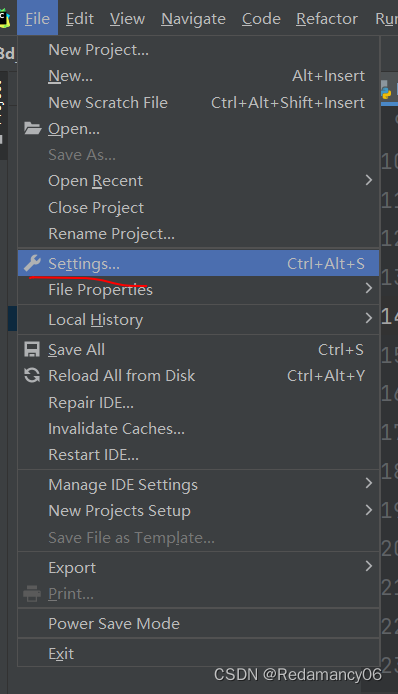
Click on settings


Read my blog in detail http://t.csdn.cn/emDn2

Then click add

The end
边栏推荐
- Application of botu PLC Fuzzy PID in liquid level control of double tank (fuzzy and ordinary PID switching function FB)
- UCOS III learning notes (11) -- task semaphores and task message queues
- [applet project development -- JD mall] product list page of uni app (Part 1)
- (board) acwing841 String hash
- Voice conversion mainly involves technical records
- Graduation season -- common interview questions in database
- Peking University and Microsoft jointly proposed a super time series representation learning framework, which significantly improved the effect of multiple time series tasks
- Mapbox GL loading 3dfiles gradient model (video)
- The mobile terminal is set with fonts smaller than 12px and script labels
- Myql database suddenly disappeared, how to restore it?
猜你喜欢
pytorch的安装(非常详细)

1. Create prism project
解题-->在线OJ(十六)

Enjoy meta mode of creation mode

The 100 billion yuan universe market is the new driving force of soul and Yingke

In addition to Chang'an, these four domestic brands also use "Lexus face". Has Chinese design regressed?

Definition and usage of several special standards of C language

德国rexroth比例阀4WRPEH6C5B40L-3X/M/24F1

Source code analysis of ArrayList

BurpSuite工具响应结果中文乱码解决方法
随机推荐
The observation returned by the 'reset()' method is not contained with the
北大&微软联合提出超强时间序列表示学习框架,显著提升多项时间序列任务效果
The distant savior obeys the objective law (VI) -- cultural attribute
企业数字化转型,为何SaaS模式如此重要?
Myql database suddenly disappeared, how to restore it?
Leetcode48. rotate image
Enter a URL and explain the whole process
Solid contract for remote purchase of goods
Graduation season -- common interview questions in database
TCP congestion control details | 6 Active queue management
(board) acwing841 String hash
5g NR notes
溢流阀力士乐ZDB10VP2-4X/315V
Jiulian technology development board is officially integrated into the openharmony backbone
NPM common commands use commands to delete nodes_ Modules package
After reading this article, I will teach you to play with vulnhub, the penetration test target machine -- evilbox one
DeepMind最新114页报告《多智能体强化学习中的新兴易货贸易行为》
Detailed explanation of bean's life cycle
Modify server password
(post game supplement) (great DFS) k - counting time