当前位置:网站首页>使用 Terraform 在阿里云上快速部署 MQTT 集群
使用 Terraform 在阿里云上快速部署 MQTT 集群
2022-07-15 11:42:00 【EMQX】
Terraform 是由 HashiCorp 推出的一个基础设施即代码(IaC)工具,它包括了底层的组件如计算实例、存储和网络,以及高层的组件如 DNS、LBS 等。用户可以使用 Terraform 安全、高效地构建、改变和更新基础设施。
在传统的私有云或公有云部署方式中,用户需要先部署好基础设施(虚拟机、网络和存储等),之后才能开始部署 MQTT 集群。而如果使用 Terraform,用户则可以同时完成这两项工作。此外,同一套工具可以在不同的平台上进行部署,通过模版可重复、可预测的方式定义和配置资源,可大大减少人为因素导致的错误。
本文将以分布式物联网 MQTT 消息服务器 EMQX 为例,采用阿里云作为公有云平台,介绍如何使用 Terraform 快速部署一个高可用的 MQTT 集群。
Terraform 简介
作为一个管理服务生命周期的工具,Terraform 可以用状态文件记录和跟踪所有环境变化。默认状态是存储在本地的,通过 HCL 或者 JSON 来定义,HCL 是 HashiCorp 提供的模板语言。

- Coding:用 HCL 来编写基础设施代码。可以定义块,参数和表达式。
- Plan:运行 Terraform Plan 来检查执行计划是否符合期望。
- Apply:运行 Terraform Apply 来构建用户所需的基础设施
准备与安装
安装 Ali Cloud SDK for Go
go get -u github.com/aliyun/alibaba-cloud-sdk-go/sdk
安装 Terraform
以 Mac 为例,通过 brew 安装。
brew tap hashicorp/tap 2brew install hashicorp/tap/terraform
验证安装
terraform -help
具体可参考官方文档。
使用 Terraform 部署 EMQX 集群
下载阿里云部署脚本
git clone https://github.com/emqx/terraform-emqx-emqx-alicloud.git
部署脚本说明
脚本配置文件路径:
- 单机部署配置文件:
services/emqx/terraform.tfvars - 集群部署配置文件:
services/emqx_cluster/terraform.tfvars
部署脚本默认使用以下配置,读者可根据实际情况自行修改:
Ali Cloud SDK: v1.61.1608
老版本 SDK 可能会导致 ELB 部署失败
默认 EMQX 版本:企业版 4.4.3
如果要部署开源版,需要修改
terraform.tfvars文件末尾的emqx_package值,比如部署开源版 5.0.3:emqx_package = https://www.emqx.com/en/downloads/broker/5.0.3/emqx-5.0.3-ubuntu20.04-amd64.tar.gz默认阿里云 Region 为:
cn-shenzhen默认集群节点:2 台
ecs.t6-c1m1.large
配置阿里云 AccessKey
进入阿里云 AccessKey 页面

拿到创建好的 AccessKey 和 Secret,设置环境变量
export ALICLOUD_ACCESS_KEY=${anaccesskey}
export ALICLOUD_SECRET_KEY=${asecretkey}
export ALICLOUD_REGION=${region}
部署 EMQX 企业版集群
用户可以通过修改
terraform.tfvars文件,来更改默认的配置
cd services/emqx_cluster
terraform init
terraform plan
terraform apply -auto-approve
等待几分钟后,可以看到部署完成的结果如下:

验证集群部署结果
集群部署成功后,我们可以简单测试集群是否已正常运行。先上图获取到集群的 IP 地址(emqx_cluster_address = “120.79.163.50”),并通过以下信息访问 EMQX 企业版的 Dashboard。
http://120.79.163.50:18083用户名:
admin密码:
public

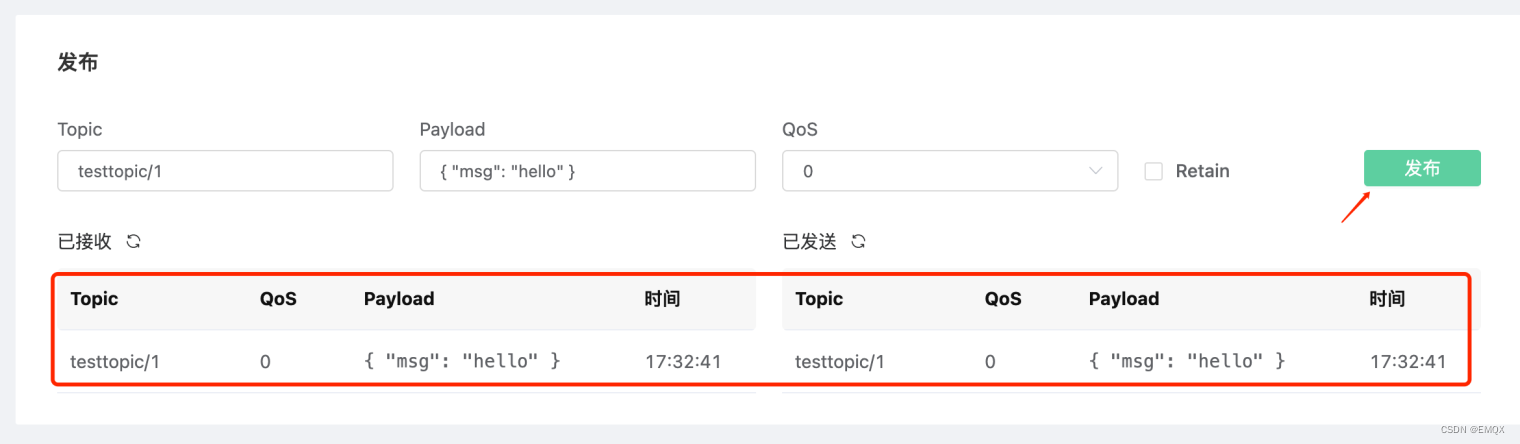
从上图可以看到我们部署了 2 个节点,这时可以通过 WebSocket 工具进行简单的验证:
左边菜单栏选择工具→WebSocket

点击“连接”

订阅主题

点击发布,正常能看到如下结果
结语
至此,我们完成了通过 Terraform 在阿里云上快速部署 MQTT 集群的全部流程。读者可根据实际情况修改部署脚本,创建满足自己业务需求的 EMQX 集群,借助 EMQX 在物联网数据连接、移动与处理方面的优势构建具有竞争力的物联网平台与应用。
参考资料
代码仓库: https://github.com/emqx/terraform-emqx-emqx-alicloud
EMQX Terraform 模块官方文档:https://docs.emqx.com/zh/emqx-terraform/latest
版权声明: 本文为 EMQ 原创,转载请注明出处。
原文链接:https://www.emqx.com/zh/blog/deploy-mqtt-cluster-on-alibaba-cloud-using-terraform
边栏推荐
- [benefit activity] stack a buff for your code! Click "tea" to receive the gift
- Fragment (IV) common problems
- Get started with pyGame
- PowerDesigner安装教程
- A --- DMA serial port communication
- 2022-04-20 Unity入门6——光源组件
- 2022-04-20 unity entry 6 - light source components
- It should be so simple. Databinding and viewbinding
- 2022-04-18 Unity入门1——窗口布局
- Vector
猜你喜欢

Figure 1: four directions and three strategies for digital transformation of state-owned enterprises
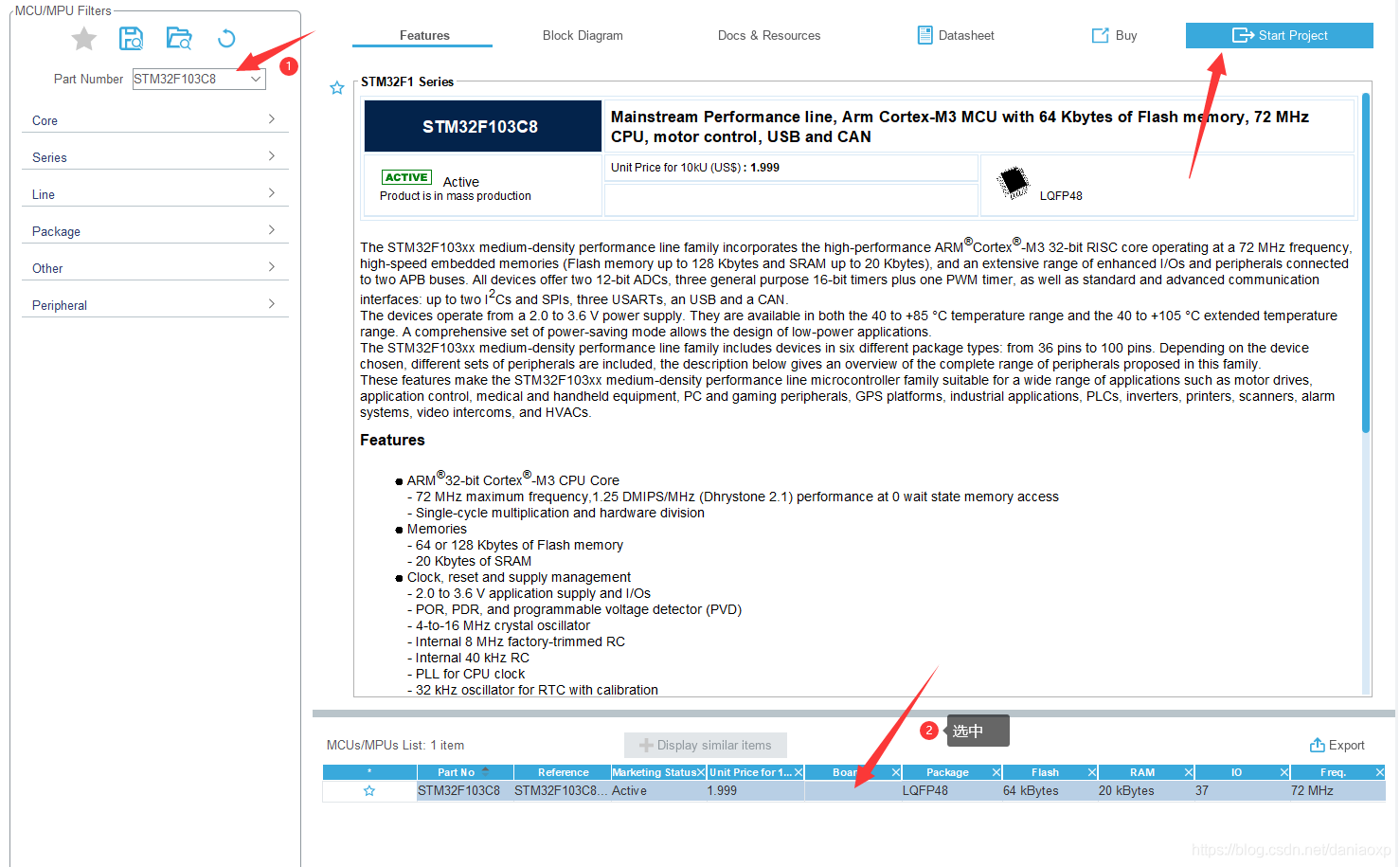
02 stm32cubemx new project

2022-04-20 unity introduction 7 - collision detection of physical systems
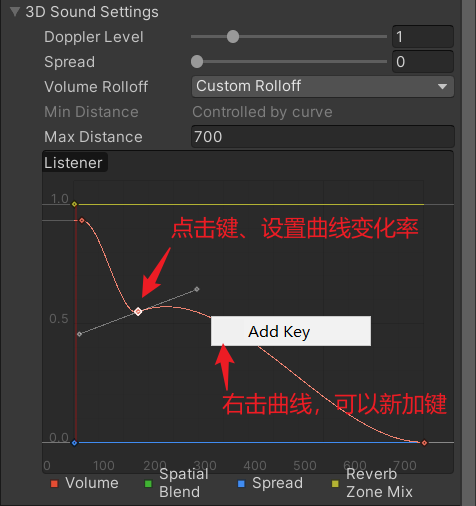
2022-04-21 unity entry 8 - sound system

许式伟:Go+ 演进之路

2022-04-18 Unity入门1——窗口布局

2022-04-18 introduction to unity 2 - how unity works

Meta宣布推出Make-A-Scene:可基于文字和草图控制AI图像生成

A bright jetpack + MVVM minimalist practical battle in front of Magic Baby

558. Intersection Quadtree: simple question récursive
随机推荐
2022-04-21 unity foundation 2 - important content of monobehavior
Landing DDD (7) - some misunderstandings in tactical design
1. OLED simple drive
Xu Shiwei: the road of go+ evolution
Fragment (IV) common problems
Difference between idea smart checkout and force checkout
MySQL的隔离级别
What is kotlin sealed? Why does Google use it all
Use iceberg in CDP to pressurize the data Lake warehouse
04 exit interrupt detection key
1、OLED简单驱动
Xpath实战之爬取学习猿地的猿著(上)
Ignore, on duplicate key update, delayed in MySQL
昇腾AI创新大赛两大赛道怎么选?拿好这篇攻略就够了!
2022-04-20 unity entry 6 - light source components
PowerDesigner安装教程
爱可可AI前沿推介(7.15)
three. JS infinite running VR games
Using PostgreSQL on PostgreSQL 15_ FDW performs parallel commit of transactions
2022-04-20 Unity入门5——Camera