当前位置:网站首页>Use flutter to adjust a color filter for the picture of my little sister
Use flutter to adjust a color filter for the picture of my little sister
2022-07-26 05:13:00 【InfoQ】
StatelessWidgetTweenAnimationBuilderTweenAnimationBuilder
TweenAnimationBuilder
Introduce
TweenAnimationBuilderconst TweenAnimationBuilder({
Key? key,
required this.tween,
required Duration duration,
Curve curve = Curves.linear,
required this.builder,
VoidCallback? onEnd,
this.child,
})
durationcurveonEndtween:Twee<T>type , During the animation process, theTweenThe intermediate interpolation of is passed tobuilderTo build subcomponents , Thus, the transition animation effect can be realized .
builder: Component building method , The type isValueWidgetBuilder<T>, The specific definitions are as follows , amongvalueThe parameter istweenIntermediate interpolation during animation . That is, during the animation , Will keep callingbuilderRedraw sub components .
typedef ValueWidgetBuilder<T> = Widget Function(BuildContext context, T value, Widget? child);
class _TweenAnimationBuilderState<T extends Object?> extends AnimatedWidgetBaseState<TweenAnimationBuilder<T>> {
 Tween<T>? _currentTween;

 @override
 void initState() {
 _currentTween = widget.tween;
 _currentTween!.begin ??= _currentTween!.end;
 super.initState();
 if (_currentTween!.begin != _currentTween!.end) {
 controller.forward();
 }
 }

 @override
 void forEachTween(TweenVisitor<dynamic> visitor) {
 assert(
 widget.tween.end != null,
 'Tween provided to TweenAnimationBuilder must have non-null Tween.end value.',
 );
 _currentTween = visitor(_currentTween, widget.tween.end, (dynamic value) {
 assert(false);
 throw StateError('Constructor will never be called because null is never provided as current tween.');
 }) as Tween<T>?;
 }

 @override
 Widget build(BuildContext context) {
 return widget.builder(context, _currentTween!.evaluate(animation), widget.child);
 }
}
TweenAnimationBuilderapplication
ColorFilteredColorFilteredColorFilterBlendModeColorFiltered(
colorFilter:
ColorFilter.mode(Colors.orange, BlendMode.modulate),
child: ClipOval(
child: ClipOval(
child: Image.asset(
'images/beauty.jpeg',
width: 300,
),
),
),
);
TweenAnimationBuilderColorTweenbuilderColorFilterbuilderColorSliderclass TweenAnimationDemo extends StatefulWidget {
TweenAnimationDemo({Key? key}) : super(key: key);
@override
_TweenAnimationDemoState createState() => _TweenAnimationDemoState();
}
class _TweenAnimationDemoState extends State<TweenAnimationDemo> {
var _sliderValue = 0.0;
Color _newColor = Colors.orange;
@override
void initState() {
super.initState();
}
@override
Widget build(BuildContext context) {
return Scaffold(
appBar: AppBar(
title: Text('TweenAnimationBuilder'),
brightness: Brightness.dark,
backgroundColor: Colors.black,
),
backgroundColor: Colors.black,
body: Center(
child: Column(
children: [
TweenAnimationBuilder(
tween: ColorTween(
begin: Colors.white,
end: _newColor,
),
duration: Duration(seconds: 1),
builder: (_, color, child) {
return ColorFiltered(
colorFilter:
ColorFilter.mode(color as Color, BlendMode.modulate),
child: ClipOval(
child: ClipOval(
child: Image.asset(
'images/beauty.jpeg',
width: 300,
),
),
),
);
},
),
Slider.adaptive(
value: _sliderValue,
onChanged: (value) {
setState(() {
_sliderValue = value;
});
},
onChangeEnd: (value) {
setState(() {
_newColor = _newColor.withRed((value * 255).toInt());
});
},
)
],
),
),
);
}
}
summary
TweenAnimationBuilderColorFilteredTweenAnimationBuilder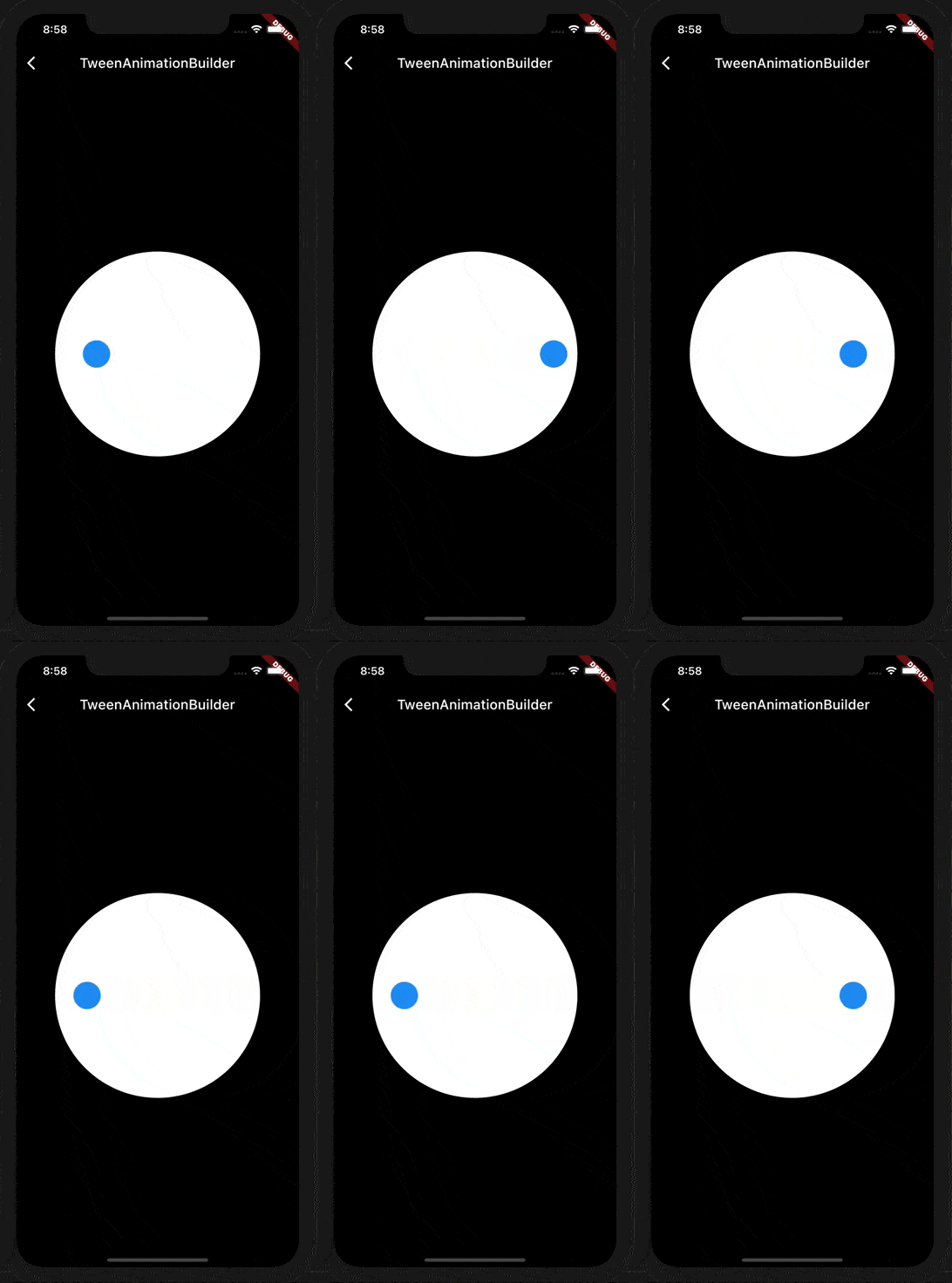

边栏推荐
- 你对“happen-before原则”的理解可能是错的?
- 异步时父子线程间的ThreadLocal传递问题
- 遥感、GIS和GPS技术在水文、气象、灾害、生态、环境及卫生等领域中的应用
- ThreadLocal transfer between parent and child threads in asynchronous
- 【pytorch】torch1.8.1安装、查看torch版本、GPU是否可用
- Migrate the server and reconfigure the database (the database has no monitoring, and the monitoring starts with tns-12545, tns-12560, tns-00515 errors)
- no networks found in /etc/cni/net.d
- Nacos 介绍和部署
- Molecular skeleton transition tool -delinker introduction
- MODFLOW Flex、GMS、FEFLOW、HYDRUS实践应用
猜你喜欢

C语言函数

Full analysis of domain name resolution process means better text understanding

security权限管理详解

I talked with the interviewer about MySQL optimization in five dimensions

nacos注册中心

MODFLOW Flex、GMS、FEFLOW、HYDRUS实践应用
Week 6 Learning Representation: Word Embedding (symbolic →numeric)

ALV program collection

Molecular skeleton transition tool -delinker introduction

CLM陆面过程模式
随机推荐
SAP report development steps
CLM land surface process model
mysql如果计算本月变动/本月增幅/同比变动/同比增幅?
推荐系统-机器学习
第二讲 初识SLAM
A material of machine learning
地球系统模式(CESM)实践技术
ALV入门
35. Search the insertion position
Okaleido上线聚变Mining模式,OKA通证当下产出的唯一方式
JVM第二讲:类加载机制
Mysql主从同步及主从同步延迟解决方案
ALV program collection
Date and time function of MySQL function summary
真正的科学减肥
Excel VBA:实现自动下拉填充公式至最后一行
[Luogu] p3919 [template] persistent segment tree 1 (persistent array)
如何优雅的复现YOLOv5官方历程(二)——标注并训练自己的数据集
MODFLOW flex, GMS, FEFLOW, hydraus practical application
Migrate the server and reconfigure the database (the database has no monitoring, and the monitoring starts with tns-12545, tns-12560, tns-00515 errors)